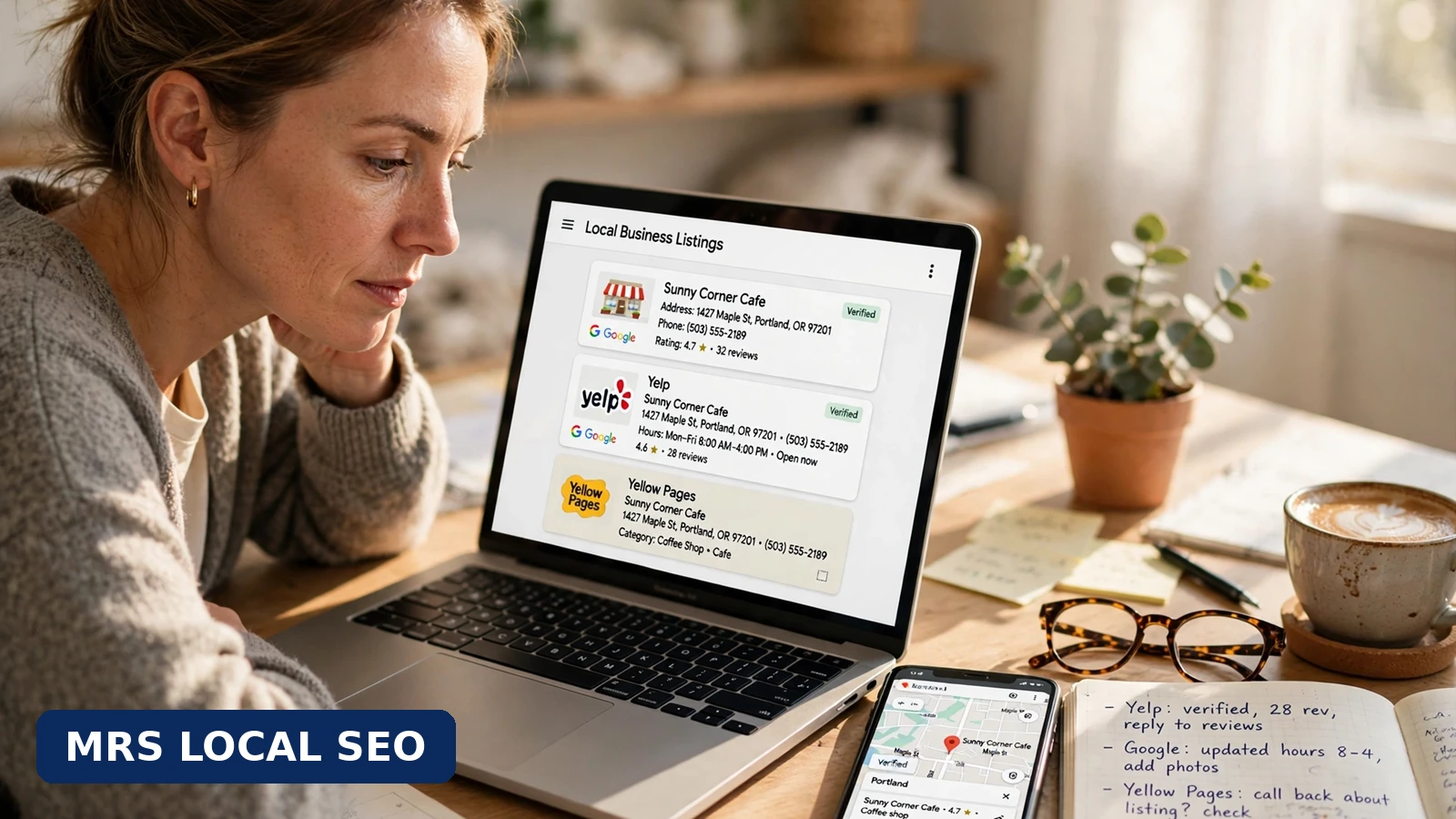


You should check your Google Business Profile weekly, refresh it monthly, review it in depth every quarter, and edit it immediately whenever a business fact changes. Hours, services, photos, reviews and replies each run on their own clock. Knowing how to manage Google Business Profile well comes down to that rhythm, not to constant tinkering.
This guide covers what to check and when, what goes wrong when a profile goes stale, how much time it takes, and when it makes sense to hand the work to someone else.
Why does a Google Business Profile need a regular update rhythm?
A Google Business Profile decays quietly. Nothing breaks on a given day. Hours drift out of date, a holiday passes without special hours, a promotion expires, a review sits unanswered, and a competitor down the street keeps adding fresh photos.
Google’s own help page on improving your local ranking says to claim your profile and keep your business information updated. It also says more reviews and positive ratings can improve local ranking, and that web SEO practices play a role too. Google’s three published local ranking considerations are relevance, distance, and prominence. You can influence the first and third, but you cannot control how far a searcher is from your business.
Frequent updates are not a documented ranking trick. The main case for a rhythm is customer trust and accuracy. Someone who finds wrong hours or a dead phone number will simply call the next result. The rhythm below reflects professional judgement about what customers notice, not an official Google schedule.
What should you check every week?
Weekly checks should be quick, around 10 to 20 minutes. The aim is to catch problems before customers do.
- New reviews. Read and reply to every new review. A short, specific reply to a positive review is enough. For a negative review, stay factual, acknowledge the issue, and offer to continue offline.
- Messages and customer questions. Check whether anyone has asked something you should answer.
- Obvious errors. Search your business name on Google and Maps from your phone. Confirm the phone number, hours, and website link are right.
A note on questions: Google has been retiring the public Q&A feature and has deprecated the related API, according to Whitespark’s Google Business Profile guide. Availability appears to vary by profile and region, so check whether a Q&A section shows on your listing. If it does not, give customers the same answers in your business description, your services section, and an FAQ on your website.
What should you update every month?
Monthly work keeps the profile looking alive. Plan 30 to 60 minutes. This is a rough planning estimate, not a benchmark.
- Add real photos. Upload a few current photos of your storefront, team, work, or products. Real images beat stock images, and they show customers what to expect.
- Publish a post if you have something real to say. Posts suit offers, events, seasonal services, and operational news. Offers and events carry dates and stop showing when those dates pass. Do not invent a post just to hit a quota. Posting is not a confirmed ranking factor, so judge it by customer response.
- Scan for spam and duplicates. Search your business name and look for duplicate listings, suspicious edits, or unfamiliar photos. Google’s guidelines for representing your business say there should be one profile per business, and duplicates can cause display problems on Maps and Search.
- Check the numbers. Open your profile’s performance data and note calls, direction requests, and website clicks. Trends matter more than any single month.
What needs a deeper review every quarter?
Every three months, spend one to two hours on the foundations.
- Categories. Google advises choosing the fewest categories needed to describe your core business. Confirm your primary category still fits what you sell.
- Services and products. Add new offerings, remove discontinued ones, and make sure descriptions are accurate.
- Business description. Rewrite it in plain language if your focus has shifted. Avoid keyword stuffing.
- Attributes and links. Update attributes that apply to you, and confirm your website, booking, and appointment links still work.
- Consistency. Compare your name, address, and phone number across your website and major directories. Consistent NAP citations help prevent confusion. For a full walkthrough, see our Complete Local SEO Checklist for 2026.
- Website alignment. Make sure your site’s contact details and any schema markup match what is on your profile.
When should you update immediately?
Some changes cannot wait for the weekly or monthly check. Update the profile the same day, or in advance, when any of these happen:
- Opening hours change permanently, or you will close temporarily.
- Holiday or special hours apply. Set them before the holiday, not after.
- You move, rename the business, or change your phone number or website.
- You add or stop offering a major service.
- A service area business changes the areas it serves.
- You spot a fake review, a competitor’s spam, or an unauthorized edit.
Changes to sensitive details such as your name or address may be reviewed before they go live, so allow time and check the result afterward.
Google Business Profile update schedule at a glance
Use this table as a recurring checklist. The frequencies are practical judgement, not Google requirements.
| Profile item | How often | Why it matters |
|---|---|---|
| New reviews and replies | Weekly | Shows customers you are attentive |
| Hours, phone, website link | Weekly check; edit immediately when changed | Wrong details cost calls and visits |
| Holiday and special hours | Before each holiday | Prevents “closed when listed open” experiences |
| Photos | Monthly | Keeps the profile current and credible |
| Posts (offers, events, updates) | Monthly, when there is real news | Gives visitors something timely to read |
| Duplicate and spam check | Monthly | Protects profile accuracy |
| Performance data | Monthly | Shows whether customers are acting |
| Categories and services | Quarterly | Keeps relevance accurate |
| Business description and attributes | Quarterly | Reflects what you actually offer |
| NAP and website consistency | Quarterly | Prevents conflicting business information |
What happens when a profile goes stale?
Stale profiles lose trust before they lose rankings. Customers read these signals fast:
- Outdated hours send people to a locked door.
- Old or expired posts suggest nobody is minding the business.
- Unanswered reviews tell prospects you may not respond to them either.
- Missing services mean a customer who needs your offering may assume you do not provide it.
- Neglected edits leave room for other sources or users to change your information without you noticing.
Staleness does not trigger an official penalty. The damage is practical: fewer calls, fewer direction requests, and weaker first impressions. How much a stale profile affects ranking is not documented, so be wary of anyone claiming an exact figure.
Why can’t you update your way out of a weak foundation?
Updating more often does not fix a profile that is built wrong. If your primary category is off, your description is thin, or your services are missing, weekly posts will not compensate.
The order of work matters. Get the foundation right first: accurate name, correct categories, complete services, and a genuine address or service area. Then keep fresh. Our guide on GBP optimization versus GBP management explains why those are two different jobs.
If you are new to the wider picture, What Is Local SEO? and Local SEO vs Traditional SEO show how your profile fits alongside your website and citations.
For a service area business, serving customers at their locations is different from having a staffed, customer-facing storefront. Google’s guidelines treat the two differently, so list your address and service areas according to which you actually are.
Should you manage it yourself or hire help?
Most small businesses can handle this rhythm in-house. A realistic budget is about 15 minutes weekly, up to an hour monthly, and a couple of hours each quarter. Those are planning estimates, and larger or multi-location businesses will need more.
Consider outside help when:
- You have several locations to keep consistent.
- Review volume is too high to answer promptly.
- You have had suspensions, duplicates, or spam edits.
- Nobody on your team owns the task, so it keeps slipping.
If you want support with managing your Google Business Profile well, a provider should explain their process openly and never promise rankings. For an overview of what professional help covers, see How Local SEO Services Help Small Businesses Get More Customers. If you want to see what a local SEO engagement can look like, our illustrative case study walks through the process.
What should you measure month by month?
Track customer actions, not just one ranking position. Rankings vary by searcher location and device, so a single position can mislead. Each month, record:
- Calls, direction requests, and website clicks from your profile.
- Total number of reviews and your average rating.
- How quickly you reply to new reviews.
- Whether your details match across your site and listings.
Give changes time. Improvements in customer actions usually show up over weeks to months, not days. That is a general expectation, not a promise, and results depend on competition, category, and location.
What should you avoid?
Shortcuts create suspension risk and wipe out the trust you are building.
- Guarantees. No one can guarantee a Local Pack position. Be skeptical of anyone who does.
- Fake or incentivized reviews. Ask real customers for honest feedback. Never buy, trade, or fabricate reviews.
- Keyword-stuffed business names. Google’s guidelines say your name should reflect your real-world business name as used on your storefront, website, and stationery.
- Fake locations or virtual addresses. Do not list an address where you have no staffed, eligible presence. Google’s guidelines warn that violations can lead to changed information or removal of the listing.
Frequently Asked Questions
How do you manage a Google Business Profile day to day?
You do not need to touch it daily. Check reviews and basic details weekly, add photos and a post monthly when you have something real to share, and do a deeper review quarterly. Update immediately whenever hours, services, or contact details change.
How long does Google Business Profile work take to show results?
Expect weeks to months for measurable changes in calls, clicks, and direction requests. Accuracy fixes, such as correct hours, help customers right away, while ranking effects are slower and not guaranteed. Results depend on competition, category, and location.
Can I manage my Google Business Profile myself, or should I hire an expert?
Most small businesses can manage it themselves with a simple weekly, monthly, and quarterly routine. Hiring help makes sense for multiple locations, heavy review volume, repeated suspensions or spam, or when no one in-house owns the task.
How does Google Business Profile management affect my Google ranking?
Google says accurate information, reviews and ratings, and general web SEO all play a role in local ranking, alongside relevance, distance, and prominence. Management helps you influence the first and third. It cannot change how far a searcher is from you, and it does not guarantee any position.
Do I need to post on my Google Business Profile every week?
No. Post when you have a real offer, event, or update. Posting is not a confirmed ranking factor, so quality and timeliness matter more than a fixed schedule.
Conclusion
A healthy Google Business Profile does not need constant attention. It needs a steady habit: weekly checks, a monthly refresh, a quarterly review, and quick action when facts change. Pair that rhythm with a correct foundation and honest reviews, and the profile stays accurate and trustworthy for customers.
Your next step is simple. Put the schedule in your calendar and run the first quarterly review this week. If you would rather have a team handle it, start with our homepage to see how Google Business Profile management support works.
Sources
- Google Business Profile Help: How to improve your local ranking on Google
- Google Business Profile Help: Guidelines for representing your business on Google
- Whitespark: Google Business Profile guide, Questions and Answers