

A local SEO audit is a structured check of the signals that decide whether nearby customers can find, trust, and contact your business online. Run it in a fixed order: Google Business Profile first, then business details and citations, reviews, website health, local content, and tracking. Fix errors in that order, cheapest first.
This local SEO audit guide for 2026 is for small business owners and in-house marketers who manage their own Google Business Profile (GBP). You will get six steps, a checklist table, a way to prioritize fixes, and realistic expectations. Some people still search for the legacy name “Google My Business.” The product is now Google Business Profile, and this guide covers it.
What a Local SEO Audit Actually Covers
A local search optimization audit compares what your business shows online with what is true, and with what Google’s documentation asks for. Google states that local results are based primarily on relevance, distance, and prominence. Relevance is how well your profile matches the search. Distance is how far your business is from the searcher. Prominence is how well-known your business is, and it draws on information from across the web, such as links, articles, and directories.
Two practical points follow from this:
- You can’t control distance. An audit focuses on what you can change: your profile, your business details, your reviews, and your website.
- Google doesn’t publish how much each factor counts. Treat any audit-tool score as a prompt to investigate, not a verdict. That is professional judgement, not an official Google rule.
If terms like “local pack” are new to you, start with What Is Local SEO? A Complete Guide for Small Businesses. For how this differs from standard website optimization, see Local SEO vs Traditional SEO: What’s the Difference?.
How to Run a Local SEO Audit: The Six-Step Order
The order matters. Profile and business-detail errors are usually quicker and cheaper to fix than content or links, and they can undermine everything built afterward. That is judgement based on how the work typically flows, not a Google requirement.
Before you start, open a spreadsheet and record your “source of truth”: exact business name, address or service area, phone number, website URL, hours, categories, and services. Every step below is checked against it.
Step 1: Audit Your Google Business Profile
Check each of these:
- Name: It should match the real-world name used on your signage, website, and stationery. Google’s representation guidelines say the name should reflect how the business is consistently recognized.
- Categories: The primary category should describe what you mainly do, with additional categories only for genuine secondary services.
- Address or service area, hours, phone, and website link: Every field should be correct, including holiday hours. The website link should point to the most useful page.
- Services, attributes, description, and photos: These should be complete, current, and real.
- Verification and duplicates: The profile should be verified, with no duplicate profiles for the same location.
Service area versus staffed location. These are different setups. A storefront shows its address and, per Google, should have permanent signage with the business name. A service-area business travels to customers and, according to Google, should hide its address. Its overall area should stay within about two hours’ driving time of where it is based. Google also says P.O. boxes and mailboxes at remote locations aren’t acceptable. A business that does both can run a hybrid profile. Never list a location you don’t actually staff.
For ownership and upkeep, see What’s the Difference Between GBP Optimization and GBP Management? and How Often Should You Update Your Google Business Profile?
Step 2: Check Business Details and Citations
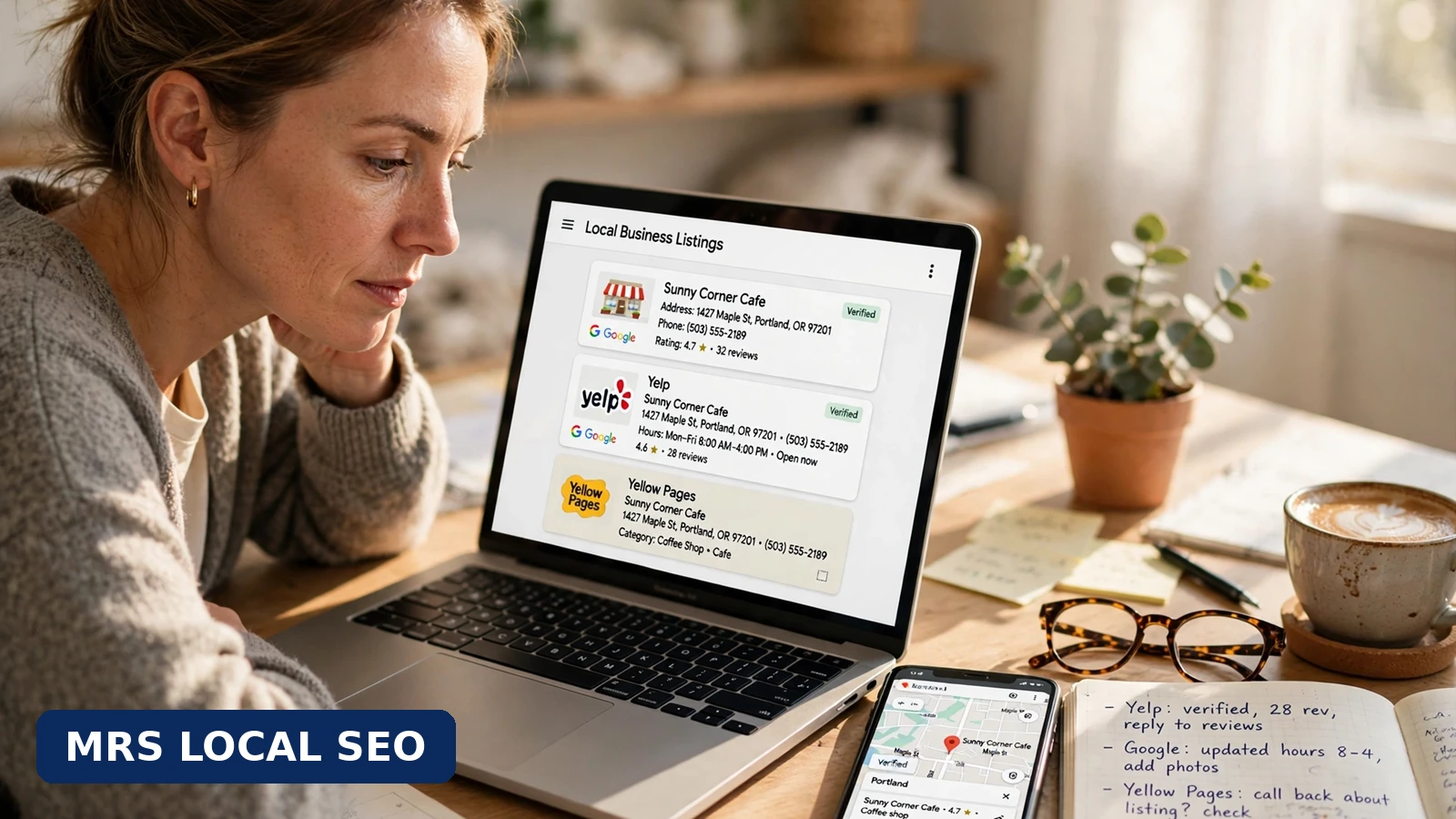
A citation is any online mention of your business name, address, and phone number (NAP), such as directories, maps, and social profiles. Search your business name and phone number, then note every listing with an old address, a wrong phone number, or a duplicate entry.
Fix problems at the source by claiming or logging in to each listing and updating it. Consistency comes before volume. Cleaning up ten wrong listings usually does more than adding fifty new ones, which is professional judgement. Google says prominence reflects what it knows about a business from across the web, so conflicting details work against you.
The Complete Local SEO Checklist for 2026 covers the follow-up tasks.
Step 3: Review Reviews and Reputation
Record your review count, average rating, how recent the reviews are, and what share you’ve answered. Read for patterns. Repeated complaints about slow callbacks are an operations signal as much as an SEO one. Google says that review count and score factor into local ranking, but the same reviews also shape whether a customer chooses you.
Reply to reviews professionally, positive and negative, and report reviews that clearly violate Google’s content policies. Building a review process is a project of its own and is covered separately.
Step 4: Audit Your Website
On-page checks:
- Title tags and headings on the homepage and key service pages name the service and place naturally.
- NAP on the site matches your profile exactly.
- A contact page shows your hours and details.
- Service and location pages have genuinely unique content.
Technical checks:
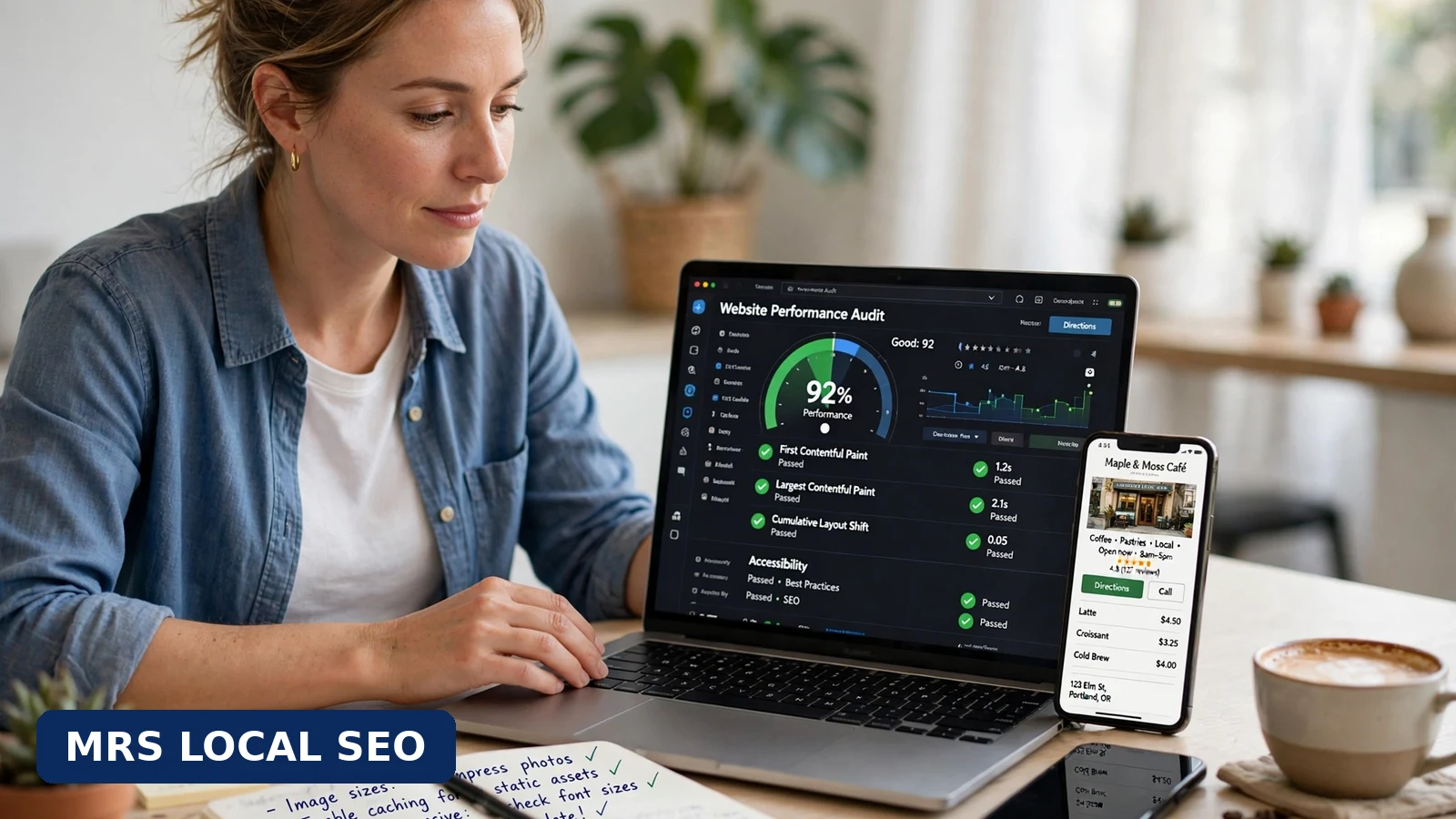
- The site uses HTTPS and works well on mobile.
- Pages load reasonably fast.
- Nothing is accidentally blocked from indexing, and no key links are broken.
- Your profile’s website link lands on the best page.
Structured data: Google’s local business structured data documentation describes LocalBusiness markup as a way to tell Google about details such as business hours. It is optional. If you use it, it should match what visitors can see on the page. Don’t expect it to guarantee a ranking.
Step 5: Audit Local Content and Internal Linking
Ask whether you have a page for each core service and each area you genuinely serve, and whether each page says something specific, such as examples of work, neighborhoods, or common questions. As judgement, near-duplicate city pages with only the place name swapped add little for readers.
Check your internal links too. The homepage should lead to service pages, and service pages should lead to contact or booking. Look for local mentions, such as sponsorships or community partnerships, that support prominence.
Step 6: Set Up Tracking and Baselines
Google’s Business Profile performance reports include customer actions such as calls, direction requests, website clicks, and messages. Google notes that only metrics applicable to your business appear. Save a snapshot of your numbers before you change anything, and add a simple “How did you find us?” question to calls or forms.
Customer actions matter more than a single ranking position. Rankings vary by searcher location, so a position check is a rough indicator, not a result.
Local SEO Audit Checklist
Use this table as a quick-scan summary of the six steps.
| Audit area | What to check | Common issue |
|---|---|---|
| Google Business Profile | Name, categories, address or service area, hours, services, photos | Keyword-stuffed name, wrong category, outdated hours |
| Business details and citations | NAP across directories and your site | Old address, duplicate listings, mismatched phone |
| Reviews | Count, rating, recency, replies | Unanswered reviews, no recent activity |
| Website | Titles, NAP, mobile use, speed, indexing, optional schema | Accidental noindex, slow mobile pages, missing contact details |
| Local content | Service and area pages, internal links | Thin or near-duplicate location pages |
| Tracking | Calls, direction requests, website clicks, baseline | No baseline, judging success by one ranking position |
How to Prioritize What You Find
This three-tier framework is professional judgement, not an official standard.
- Fix this week: anything costing customers right now, such as wrong hours, phone, or address, a wrong primary category, an ineligible address, a keyword-stuffed name, duplicate profiles, or a site blocked from indexing.
- Fix this month: citation cleanup, unanswered reviews, missing services or photos, and website basics like titles, mobile problems, and NAP mismatches.
- Build over time: deeper local content, an honest review-request routine, and local mentions.
Failed audit items have real costs. Wrong hours send customers to a closed door. Inconsistent details confuse customers and the systems that read the web. Unanswered reviews signal inattention. Technical blocks can keep pages out of results entirely.
Shortcuts That Backfire
- Fake or incentivized reviews. Google says offering incentives for reviews is prohibited, and it documents restrictions on profiles that violate its Fake Engagement policy.
- Keyword-stuffed business names. Google’s guidelines say the name should reflect your real-world business name.
- Fake locations or virtual offices. Don’t list an address you don’t staff, or a remote mailbox. Serve a wider area through a properly defined service area instead.
- Ranking guarantees. No outside party controls Google’s results. Be cautious of anyone promising specific positions.
DIY or Hire Help?
A single-location business can usually complete a first audit alone. As a rough estimate, expect a few hours to a couple of days, depending on how many listings and pages you review. Fixes take longer, and the timing varies. Consider outside help for multiple locations, suspended or duplicate profiles, technical website problems, or limited time.
If you hire, ask what will be checked, in what order, and how progress is reported in terms of customer actions. For context, see How Local SEO Services Help Small Businesses Get More Customers and this local SEO case study walkthrough.
What to Expect Over the First Few Months
There is no verified standard timeline, so treat these as planning ranges rather than promises:
- Month 1: Complete the audit, fix the urgent errors, and record your baseline.
- Months 2-3: Clean up citations, answer reviews, and fix website basics. Watch calls, direction requests, and website clicks for direction, not precision.
- Month 3 onward: Add content and review-building routines, then judge by trend over several months.
Results depend on your industry, competition, and starting point.
Frequently Asked Questions
What is a local SEO audit?
A local SEO audit is a systematic review of your Google Business Profile, business listings, reviews, website, and local content to find what limits your local search visibility. The output is a prioritized fix list.
How long does a local SEO audit take, and how long do fixes take to show results?
A first audit for one location often takes a few hours to a couple of days, which is a judgement estimate. Fixes may take weeks to implement, and results vary, so no outcome or timeline can be guaranteed. Judge progress by trends in customer actions over several months.
Can I do a local SEO audit myself, or should I hire an expert?
Many small business owners can do a first audit themselves using the steps above. Hiring help makes sense when you have multiple locations, profile suspensions, complex website issues, or not enough time.
How does a local SEO audit affect my Google ranking?
An audit doesn’t change rankings by itself. It finds problems you then fix. Google says local results rely primarily on relevance, distance, and prominence, so accurate details, genuine reviews, and a healthy website help on the factors you can influence.
How often should I repeat a local SEO audit?
A full audit once a year is a reasonable baseline, with a quick check of profile details, reviews, and performance numbers each quarter. That cadence is judgement. Repeat sooner after a move, rebrand, new service, or website redesign.
Conclusion
A local SEO audit works best as an ordered routine: profile, business details, reviews, website, content, and tracking. Fix what costs customers first, avoid shortcuts that risk your profile, and measure real customer actions over time. Start by writing down your source-of-truth details and checking your profile against them today.
If you’d prefer a professional local seo audit, MRS Local SEO can help you work through the findings in priority order.
Sources
- Google Business Profile Help, How to improve your local ranking on Google
- Google Business Profile Help, Guidelines for representing your business on Google
- Google Business Profile Help, Business Profile restrictions for policy violations
- Google Business Profile Help, Prohibited and restricted content
- Google Business Profile Help, Understand your Business Profile performance
- Google Search Central, Local business (LocalBusiness) structured data