

A local SEO audit checklist is a structured review of the things that decide whether nearby customers find your business. It covers your Google Business Profile, your business details across the web, your reviews, your website, and the way you measure results. When one of those areas slips, you can lose calls, visits, and sales without realising why.
This guide names the ten clearest warning signs. For each, it explains what the sign means, what to check first, and what to fix. If you’re new to the topic, start with What Is Local SEO? A Complete Guide for Small Businesses. For the full fix walkthrough, see How to Do a Local SEO Audit Step by Step.
The 10 Signs at a Glance
| # | Sign | What to check first |
|---|---|---|
| 1 | You’ve dropped out of the local pack | Search your main service in a private window |
| 2 | Profile details are wrong or stale | Hours, phone, categories, address |
| 3 | Details differ across the web | Name, address, phone on top directories |
| 4 | Reviews are unanswered or stalled | Newest review date and your replies |
| 5 | The website doesn’t convert local visitors | Mobile load speed, click-to-call, local pages |
| 6 | Calls and direction requests are falling | Profile performance trends |
| 7 | Profile setup is risky or duplicated | Duplicates, name, service-area settings |
| 8 | Pages don’t match how locals search | Titles, headings, and page copy |
| 9 | Competitors keep overtaking you | Their categories, reviews, and profile detail |
| 10 | You can’t tell what’s working | Whether you track calls and visits at all |
Sign 1: You’ve Dropped Out of the Local Pack
What it means: The local pack is the map-and-listings block that appears for nearby searches. Google says local results are based on relevance, distance, and prominence. A sudden drop usually points to a change in one of those areas, or to a profile problem.
Check first: Search your core service plus your town in a private window, then repeat from a few nearby spots. Rank locally changes by location, so don’t trust a single search from your shop.
The fix: Find which signal changed before touching anything. Profile data and reviews are the usual suspects. If nothing obvious changed, check for a suspension warning or a duplicate profile, then work through the rest of this list.
Sign 2: Your Profile Details Are Wrong or Out of Date
What it means: Wrong hours, an old phone number, or a vague primary category cost you customers directly. Google’s own guidance says an accurate profile helps customers find and contact you, and that your primary category should describe your core service.
Check first: Verify every field against reality, starting with hours, categories, services, and phone. Our post on how often to update your Google Business Profile covers maintenance habits.
The fix: Correct the details, then set a recurring review date.
Sign 3: Your Business Details Differ Across the Web
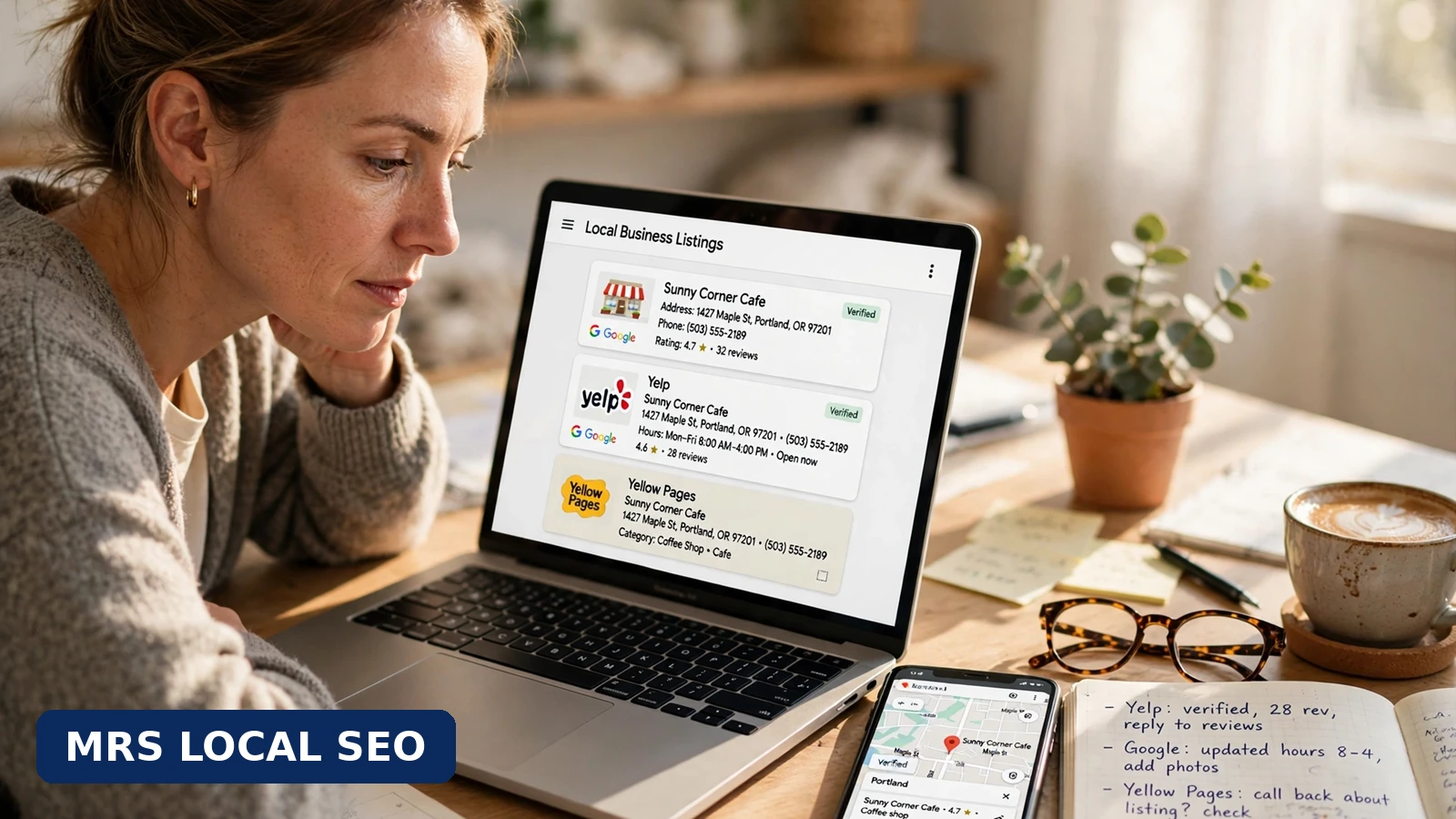
What it means: NAP citations are listings of your business name, address, and phone number on other sites. Differences confuse both Google and customers.
Check first: Compare your details on your website, Facebook, Apple Maps, and two or three major directories.
The fix: Choose one canonical version and correct the outliers, starting with the most visible listings.
Sign 4: Your Reviews Are Unanswered, Stalled, or Declining
What it means: Google states that more reviews and positive ratings can improve local ranking. Beyond ranking, customers read reviews to decide whether to call. The pattern matters: recent reviews matter more than old ones, and unanswered reviews tell readers you don’t respond.
Check first: Look at your newest review date, your average rating trend, and how many reviews have no response.
The fix: Reply to every review professionally, and ask real customers for feedback through an honest, repeatable process. Never pay for reviews, and don’t ask only your happiest customers to review you.
Sign 5: Your Website Doesn’t Turn Local Searches into Contact
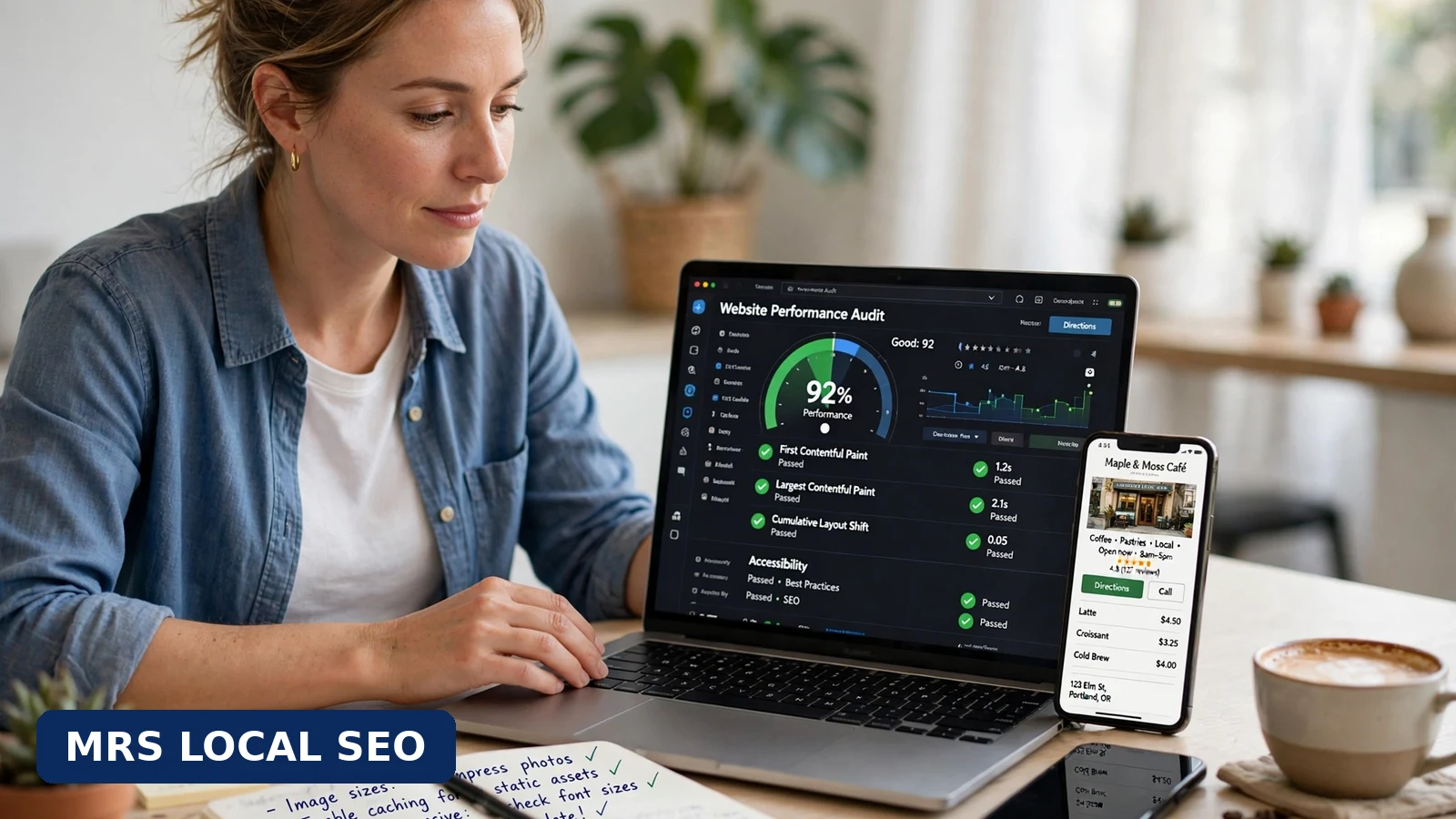
What it means: People who click through from the local pack are usually ready to act. If your site loads slowly on mobile, hides your number, or gives no local reason to trust you, they leave.
Check first: Open your site on your own phone. Time how long it takes to find your number and your service area. Try a form submission yourself.
The fix: Fix mobile basics and add clear calls to action. Our comparison of local SEO vs traditional SEO explains why local pages need different emphasis than general ones.
Sign 6: Calls and Direction Requests Are Falling
What it means: Customer actions are a better health check than any single ranking position. A falling call count with steady visibility usually means a conversion problem, not a ranking one.
Check first: Compare Business Profile performance month over month, plus your phone log and contact-form submissions.
The fix: Trace the drop to a cause before changing tactics. Seasonality can explain some of it, and that’s just one possibility. A sudden sharp fall often means a profile change or a website issue.
Sign 7: Your Profile Setup Is Risky or Duplicated
What it means: Google’s guidelines for representing your business say your name should reflect your real-world name. Service-area businesses that serve customers at their location should hide their address, and keyword-stuffed names risk suspension.
Check first: Search your business name and phone for duplicates, then compare your profile name to your signage.
The fix: Merge or remove duplicates, restore the real name, and set storefront or service-area status honestly. Read GBP optimization vs GBP management if you’re not sure which of those tasks apply to you.
Sign 8: Your Pages Don’t Match How Locals Search
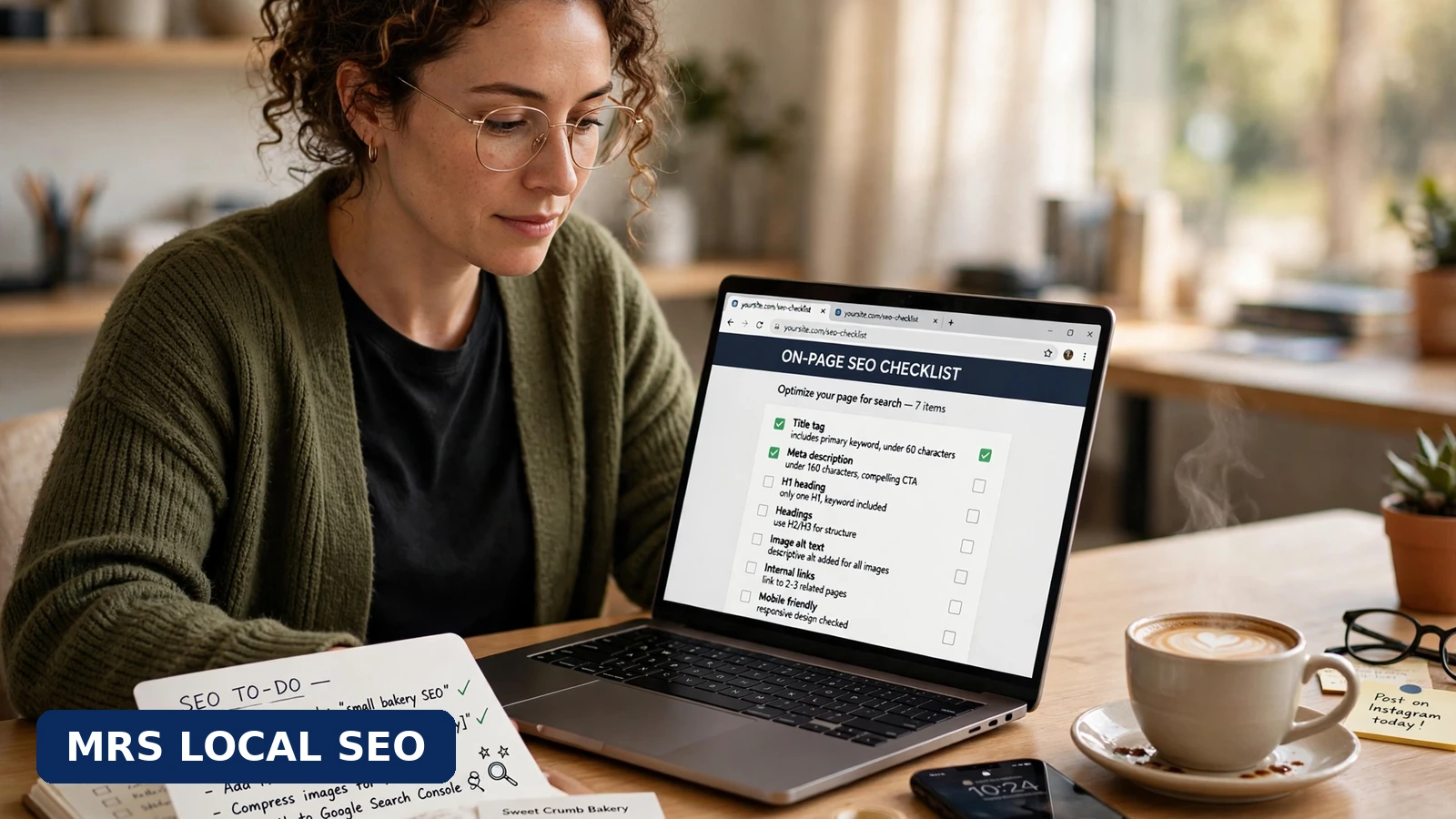
What it means: If your homepage says “quality solutions” while customers search “emergency plumber in [town],” relevance suffers. Google’s local guidance says your website and profile should reflect what you do and where you do it.
Check first: Read your title tags, headings, and service pages. Do they say what you do and where?
The fix: Use natural local keywords where they fit. Consider LocalBusiness schema markup if you have the technical help to do it well. Don’t stuff keywords into every heading.
Sign 9: Competitors Keep Overtaking You
What it means: One competitor passing you can be noise. A pattern means they’re strengthening something you aren’t, such as reviews, photos, services, or local pages.
Check first: Compare your top three competitors’ profiles side by side.
The fix: Close the specific gaps you find. Don’t copy tactics blindly, and don’t assume what worked for them will work the same way for you.
Sign 10: You Can’t Tell What’s Working
What it means: Without tracking, every change is a guess.
Check first: Do you have Business Profile insights, website analytics, and call tracking or a simple call log?
The fix: Set up baseline measurement first, then log what you change and when.
Should You Audit It Yourself or Hire Help?
Many small business owners can handle a first pass with a local SEO audit checklist template or a printed checklist. Check our guide on how to do a local SEO audit for a step-by-step process.
Consider hiring help if you find suspension risk, duplicate profiles, technical website problems, or a ranking drop you can’t trace. How local SEO services help small businesses explains what outside support typically covers.
What to Measure, Month by Month
Treat audit-tool scores as prompts to check, not verdicts. Track these monthly:
- Calls, direction requests, and website clicks from your profile
- New reviews and your response rate
- Contact-form submissions and phone leads
- Local pack visibility for two or three core searches
Improvements often take weeks to months to show. Anyone promising a guaranteed ranking or timeline is selling certainty Google doesn’t offer.
Frequently Asked Questions
What is a local SEO audit checklist?
It’s a structured list of checks across your Google Business Profile, business details, reviews, website, and measurement. Our Complete Local SEO Checklist for 2026 covers the broader tasks.
How long does local SEO work take to show results?
Often weeks to months, depending on competition and what you fix. Quick wins like correcting hours can help sooner, but rankings rarely change overnight.
Can I do a local SEO audit myself, or should I hire an expert?
You can do a first audit yourself if you follow the signs above. Hire help for duplicates, suspension risk, or technical issues you can’t safely fix alone.
How does a local SEO audit affect my Google ranking?
An audit doesn’t change rankings by itself. The fixes it identifies can improve relevance and prominence over time, which are two of the factors Google says it uses for local results.
Conclusion
The ten signs share one idea: small problems in your profile, details, reviews, or website quietly cost you local customers. Run the checks, fix what you find, and measure the result. Start with our step-by-step local SEO audit guide. For a worked example of how audits turn into results, read our local SEO case study, or start from the MRS Local SEO homepage.