
If you run your own website, you want to know what to fix on each page so nearby customers can find you. Search engines do not need a list of tricks. They need a clear page.
On-page local SEO means setting up each page of your website so it clearly states what you offer, where you are, and why a local customer should choose you.
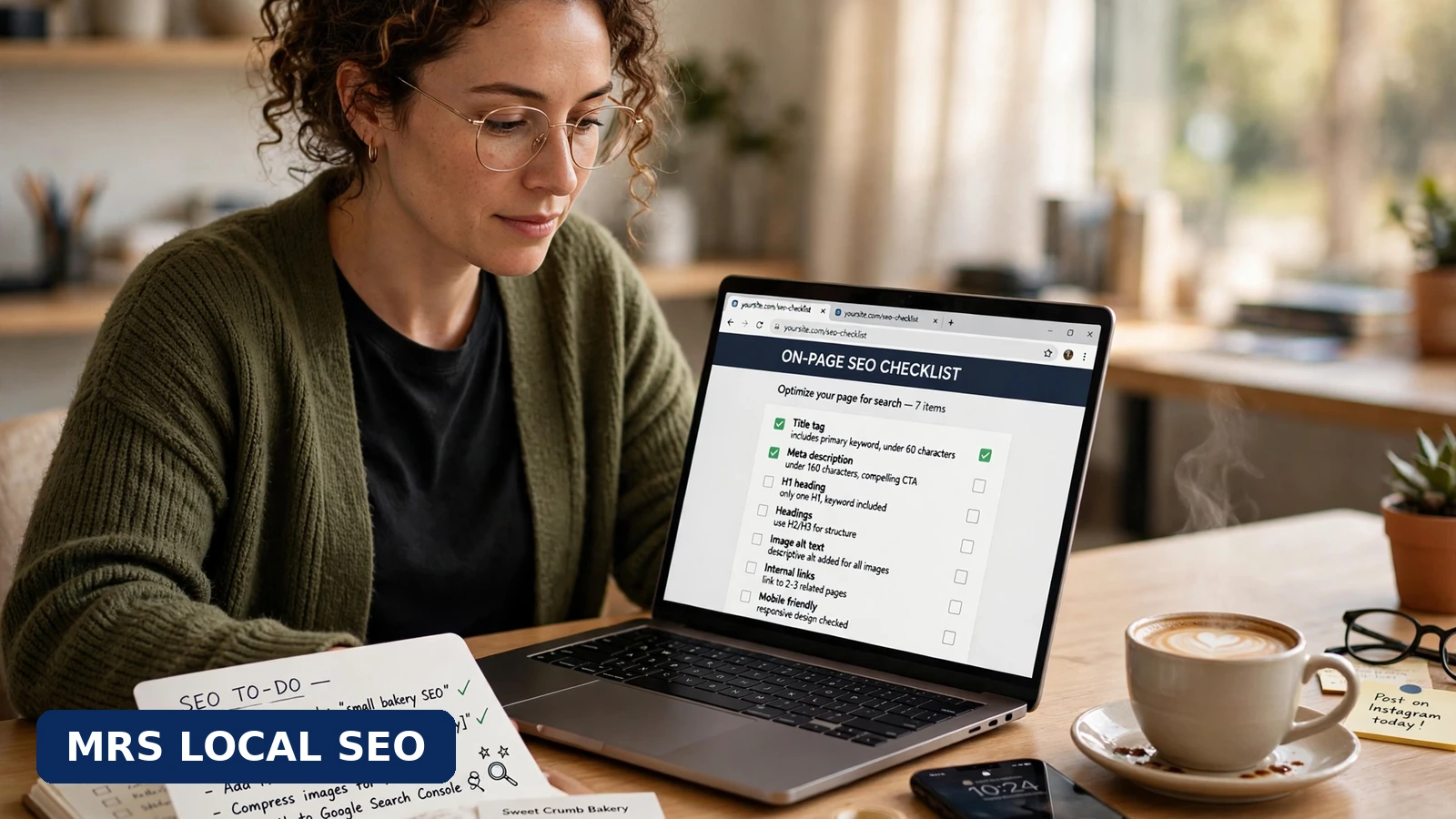
The checklist has ten items: title tags, meta descriptions, headings, local content, business contact details, internal links, images, schema, mobile-friendliness, and Google Business Profile consistency.
This guide covers on page local seo one item at a time, with a worked example, common mistakes, and realistic timelines.
How On-Page Changes Fit Into Local Rankings
Google’s Business Profile Help says local results are mainly based on relevance, distance, and prominence. Your pages mostly influence relevance, meaning how well your business matches the search. They also support prominence, because Google notes that your position in web results is a factor, so standard SEO practices apply. You cannot control how far you are from a searcher, and no tactic guarantees a local pack or Google Maps position.
New to the topic? Start with What Is Local SEO? or see how local SEO differs from traditional SEO.
The 10-Item On-Page Local SEO Checklist
Work through these items in order. You can also use the summary table below to track your progress.
1. Title Tags
The title tag names your page in search results. Google generates title links automatically and may rewrite them, but it draws on the title element and headings, so a clear one helps (Google Search Central).
Check: open a search for your service and city, and confirm each page title is unique and shows the service and city.
Fix: rewrite any title that repeats, is vague, or omits the city. Aim for around 60 characters.
Example: “Bike Repair in Springfield | Lakeview Bike Repair” (58 characters).
2. Meta Descriptions
Google says snippets come mainly from page content, though it sometimes uses the meta description when it describes the page better (Google Search Central). Treat it as a pitch to searchers, not a ranking lever.
Check: search your main service plus your city and read the snippet shown.
Fix: rewrite missing or vague descriptions to describe the page and what the visitor gets. Keep it under 155 characters.
Example: “Lakeview Bike Repair in Springfield offers same-day repairs, tune-ups, and parts. Book online or call the shop for help.” (128 characters).
3. Headings
Headings tell readers and search engines how the page is organized, and Google can also use them when creating title links.
Check: read the headings alone and see if they make sense as an outline.
Fix: use one H1 that matches the page topic, then H2s for the main sections and H3s for sub-points.
Example: an H1 of “Bike Repair in Springfield” and an H2 of “Why Choose a Local Bike Shop”.
4. Local Content
Write for customers first. Google’s guidance favors helpful, people-first content.
Check: read your main service page and note where it names your city or neighborhood.
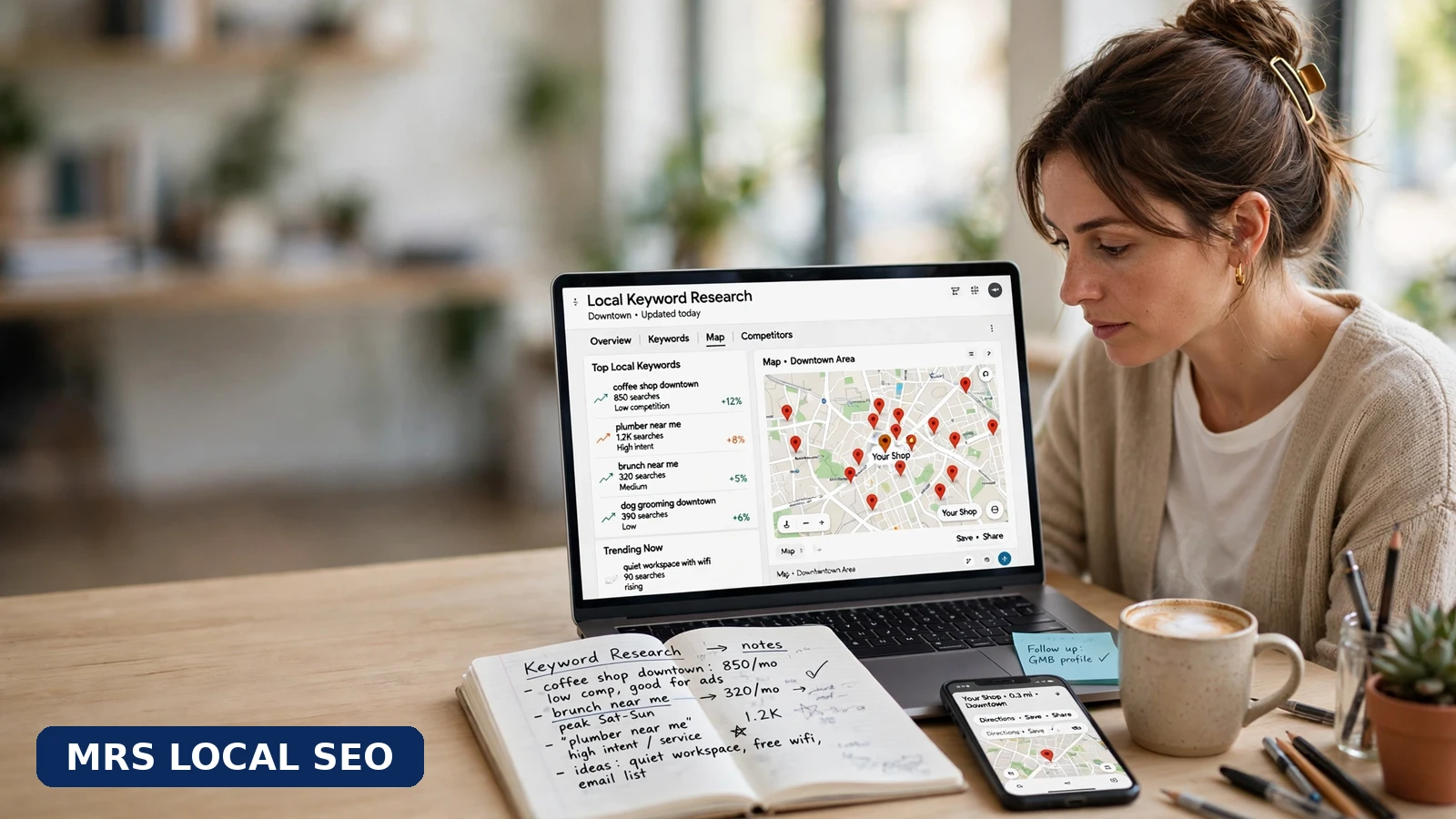
Fix: use the city and neighborhood names where they fit naturally. Add details only you can offer, like turnaround times or local riding conditions. Choose terms with local keyword research and the free tools for it.
Example: a service page that says “We repair bikes in the Springfield area, including downtown and the university district.”
5. NAP Consistency
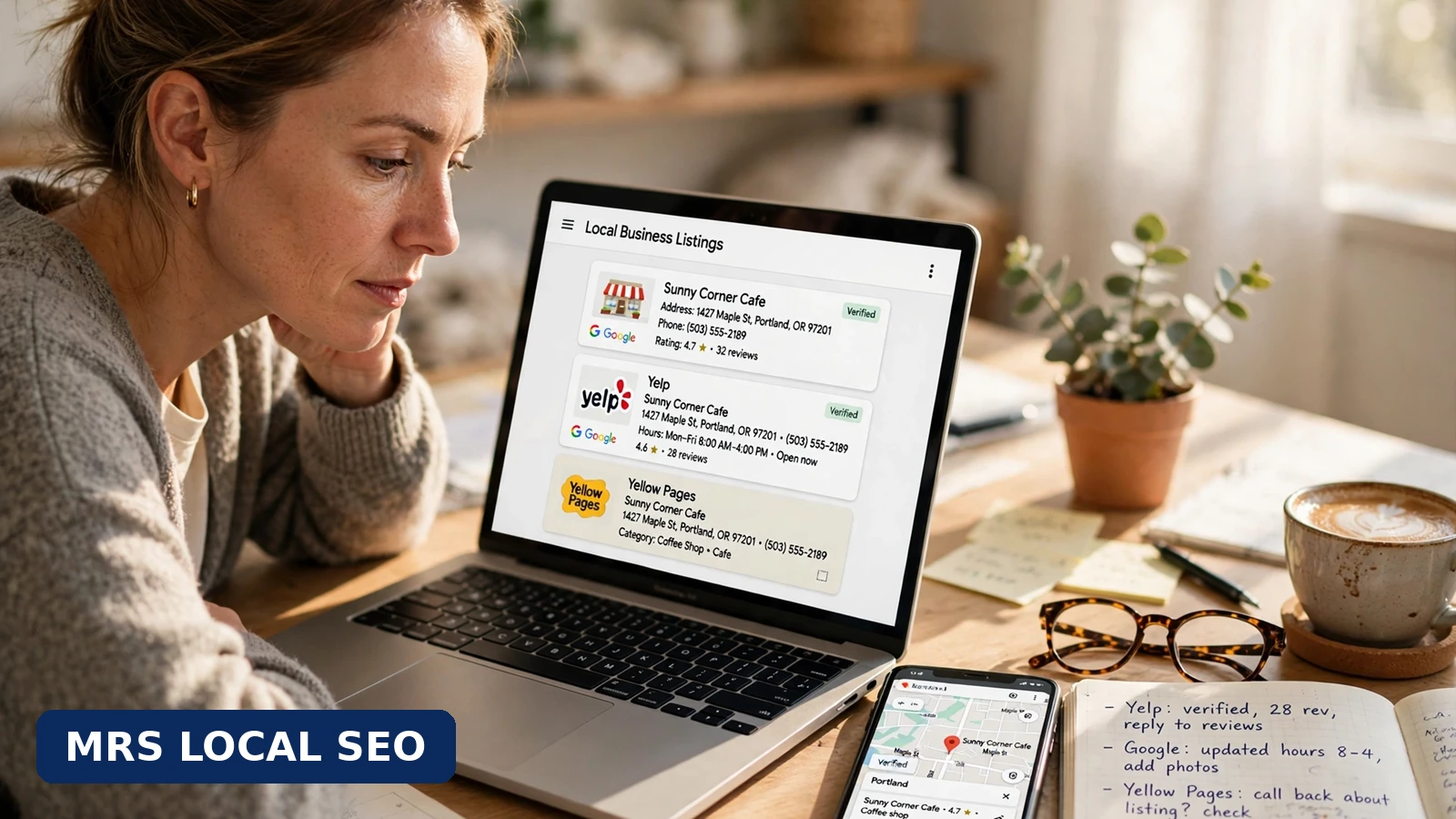
Your website should match your Google Business Profile and citations exactly. Google’s guidelines say to represent the business as it appears in the real world and keep the address or service area accurate.
Check: find your NAP in your footer, contact page, and profile. Check that spelling, abbreviations, and formatting are identical.
Fix: put your name, address, and phone number in the footer on every page. Use the same version on your contact page, Google Business Profile, and major directories.
Example: the same “Lakeview Bike Repair, 12 Main Street, Springfield, (555) 010-0142” in your footer, profile, and directories.
6. Internal Links
Links show search engines which pages matter. A visitor should reach any important page from the homepage in a few clicks.
Check: look for pages that have no links pointing to them.
Fix: link from your homepage and services pages to the pages that matter, using descriptive anchor text. Keep the site shallow so every page is a couple of clicks from the homepage.
Example: your homepage links to “Bike Repair in Springfield” and “Bike Tune-Ups in Springfield”.
7. Images
Photos help visitors trust your business. File names and alt text tell search engines what the photo shows. Use descriptive text rather than keyword lists.
Check: open your main pages and check the file names and alt text of key images.
Fix: rename them, describe what the photo actually shows, and compress it. Use real photos of your shop and team, and don’t stuff keywords.
Example: a photo of the shop’s mechanic at work in Springfield.
8. Schema
Google documents LocalBusiness structured data for conveying details such as hours and departments. In my judgement it makes your details easier for machines to read. Google does not say it boosts rankings.
Check: use a structured data testing tool to see whether LocalBusiness schema is present.
Fix: add LocalBusiness schema with your name, address, phone number, hours, and services. Use a schema generator or plugin, then test with a structured data validator.
Example: schema with name, address, phone, hours, and a list of services.
9. Mobile and Speed
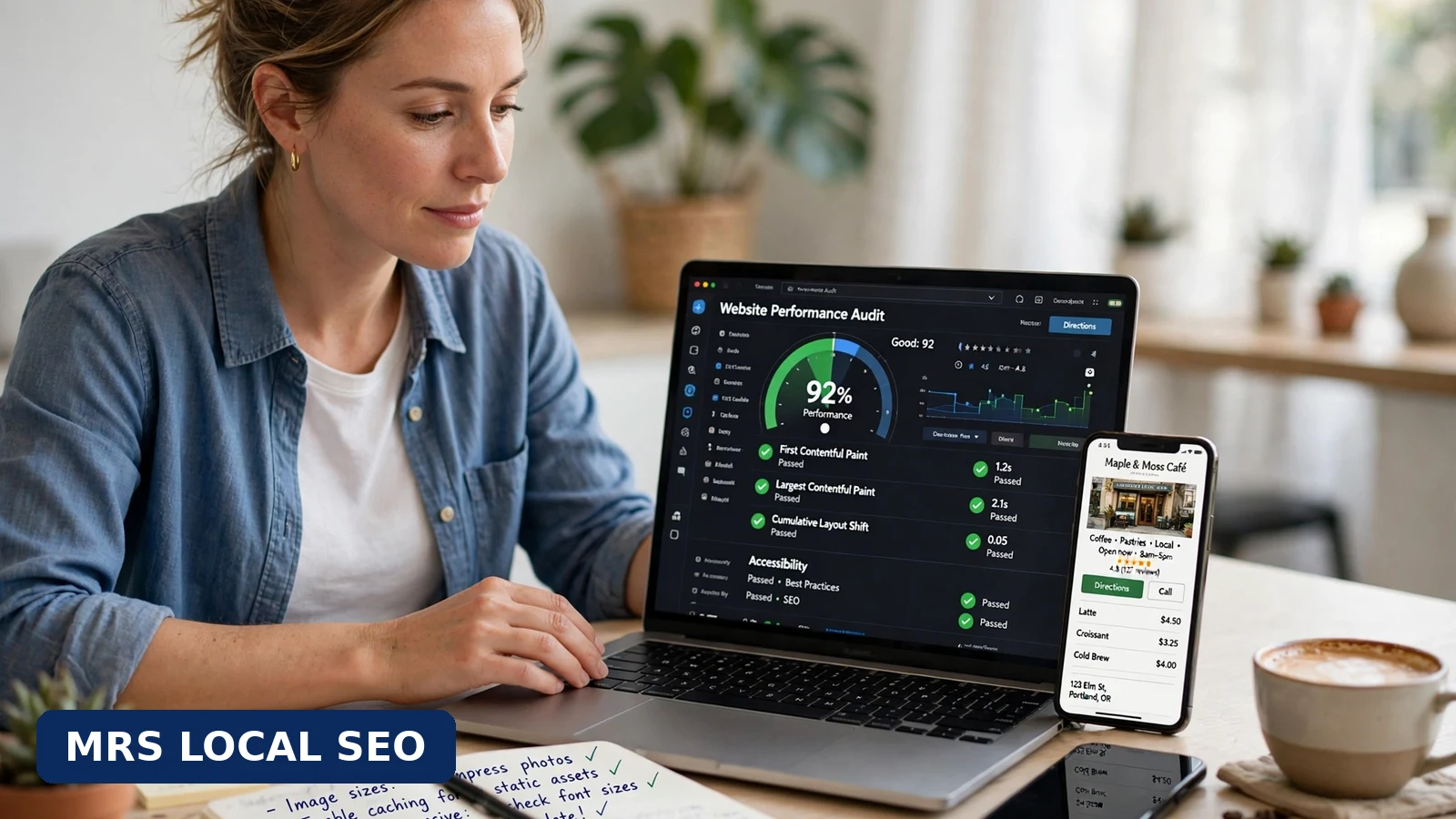
Local customers often search on their phones. Google strongly recommends good Core Web Vitals but also says good scores do not guarantee good rankings.
Check: open your site on a phone and check that text is readable and buttons are easy to tap.
Fix: check your pages on a phone and measure speed with PageSpeed Insights. Fix slow images and layout shifts before adding new features.
Example: a services page that loads in under three seconds on a phone (judgement: a useful target, not a Google threshold).
10. Google Business Profile Consistency
Your website and profile should agree. Profile edits are usually reviewed, and Google may change the details it shows.
Check: search for your business name and compare the name, address, and phone number on your website, profile, and main directories.
Fix: update whichever source is wrong. Keep the profile name to your real-world name, with no added keywords. See how often to update your profile and optimization versus management.
Example: the same “Lakeview Bike Repair, 12 Main Street, Springfield, (555) 010-0142” in your footer, profile, and directories.
The Complete Checklist at a Glance
| # | Item | What to check |
|---|---|---|
| 1 | Title tags | Service + city in a unique title, around 60 characters |
| 2 | Meta descriptions | Clear summary under 155 characters |
| 3 | Headings | One H1, then H2s and H3s in order |
| 4 | Local content | One page per service; include city and neighborhood naturally |
| 5 | NAP consistency | Same name, address, and phone number everywhere |
| 6 | Internal links | Link to key pages from your homepage and services pages |
| 7 | Images | Descriptive file names and alt text; real photos |
| 8 | Schema | Add LocalBusiness schema with name, address, phone, hours, and services |
| 9 | Mobile and speed | Readable on a phone; fast loading |
| 10 | GBP consistency | Match your profile name, address, and phone number |
Worked Example: One Service Page, Done Properly
This is a hypothetical page for Lakeview Bike Repair’s “Bike Repair in Springfield” service, with placeholder details. It shows how the checklist looks on one real page.
| Element | Example |
|---|---|
| Title tag | Bike Repair in Springfield | Lakeview Bike Repair |
| Meta description | Lakeview Bike Repair in Springfield offers same-day repairs, tune-ups, and parts. Book online or call the shop for help. |
| H1 | Bike Repair in Springfield |
| First paragraph | Lakeview Bike Repair in Springfield offers same-day repairs, tune-ups, and parts. Our shop at 12 Main Street serves riders across the city, with parts in stock. |
| NAP | Lakeview Bike Repair, 12 Main Street, Springfield, (555) 010-0142 |
| Image | bike-repair-springfield.jpg, with alt text “A mechanic repairing a bike at Lakeview Bike Repair in Springfield” |
| Internal links | Links from the homepage and the tune-up page |
| Schema | LocalBusiness with the shop name, address, phone number, and hours |
Notice that each element repeats the same facts without stuffing keywords. Google can read the page as being about one service in one place.
Common Mistakes
- Inconsistent NAP: if your name, address, or phone number differs between your site, profile, and directories, visitors and search engines see conflicting facts. Pick one version and use it everywhere.
- Keyword stuffing: do not repeat the city and keyword in every sentence. Google’s guidance favors helpful, people-first content, and stuffing the place name in unnaturally reads poorly. In my judgement, a natural mention every few paragraphs is enough.
- Thin location pages: copying one page and swapping the city name adds no value. Google’s spam policies name doorway abuse, including near-identical pages aimed at specific cities. In my judgement, pages with genuinely distinct content for places you really serve are a different matter.
- No location pages for real areas: if you serve nearby towns, create a separate page for each with distinct details. Link to them from a main locations page. Google’s own local search guidance says searchers can see businesses around their area, which I take as the test for whether a page is worth writing.
What On-Page Local SEO Cannot Do Alone
Pages are one part of local visibility. If you also need citations, reviews, and links, see how local SEO services help small businesses.
Pages cannot create prominence. Google says reviews, links, articles, and directory mentions across the web feed into it. So honest reviews, a complete Google Business Profile, and consistent citations matter alongside your pages.
Avoid shortcuts: fake reviews, keywords added to your business name, and made-up locations or virtual addresses all risk suspension and break Google’s guidelines. No one can guarantee rankings, traffic, or leads.
Should You Do This Yourself or Hire Someone?
One location with a handful of pages is manageable yourself. A first pass of keyword research for one service and one city often takes a few hours (judgement). Consider help if you have many locations, indexing problems, or strong competitors. A step-by-step local SEO audit shows where you stand, and these ten signs can help you decide.
Realistic timeline (judgement, not a promise): Google must recrawl your pages first, so small changes can show in weeks, while competitive markets often take several months.
Frequently Asked Questions
What is on page local SEO?
It is the optimization of your own web pages, covering titles, headings, content, contact details, images, and schema, so search engines understand what you offer and where. It is sometimes called on page local search optimization.
How long does on page local SEO take to work?
Usually weeks to a few months, depending on competition and how often Google recrawls your site. No one can promise a timeline, so track impressions and calls rather than a fixed date.
Can I do on page local SEO myself?
Many small businesses can handle one location themselves using this checklist. Hire help for multiple locations, technical problems, or if you lack time. Either way, avoid anyone who guarantees rankings.
Does on page local SEO help Google Maps rankings?
It mainly helps relevance, meaning how well your pages match a search. Rankings also depend on distance and prominence, so on-page work helps but doesn’t decide the result alone.
Should I make a page for every city I serve?
Only for places you genuinely serve with distinct information. Real, useful pages can help, while copied pages with only the city name changed risk being ignored or treated as spam.
Conclusion
On-page local SEO is about clarity and consistency. Each page should say what you do, where you do it, and how to reach you, and those details should match your Google Business Profile. The practical next step is to pick your most important service page and run the ten checks above. If you’d rather have help, read how local SEO services help small businesses, and fix the biggest gaps first.
Sources
- Google Business Profile Help — Improve your local ranking on Google
- Google Search Central — Title links
- Google Search Central — Search result snippets
- Google Search Central — Local Business structured data
- Google Search Central — Core Web Vitals
- Google Search Central — Create helpful, reliable, people-first content
- Google Search Central — Spam policies for Google web search
- Google Business Profile Help — Representing your business on Google
- Google Search Central — Google Business Profile websites