

The on-page SEO mistakes a local business makes most often are: (1) generic or duplicated title tags, fixed with a unique service-plus-city title on every page; (2) name, address and phone details that differ from your Google Business Profile, fixed by matching them exactly; (3) keyword-stuffed or copy-and-paste location pages, fixed with one genuinely useful page per service and place; (4) missing local schema and weak internal links, fixed with LocalBusiness markup and clear links between related pages; and (5) unlabeled, heavy images on slow mobile pages, fixed with honest alt text and compression.
Below, each mistake gets a plain-English explanation, the reason it hurts local search visibility, and a fix you can apply to a real page. If you prefer a to-do list, our on-page local SEO checklist covers the same ground in positive form.
Why do on-page mistakes hurt local rankings?
Google says local results rely mainly on relevance, distance and prominence (Google Business Profile Help). You can't change how far a searcher is from your business, and prominence grows slowly through reviews and reputation. Your website mostly influences relevance: whether Google can tell what you do and where. Each mistake below blurs that picture. That reading is professional judgement, not a published formula, and the five mistakes don't carry equal weight.
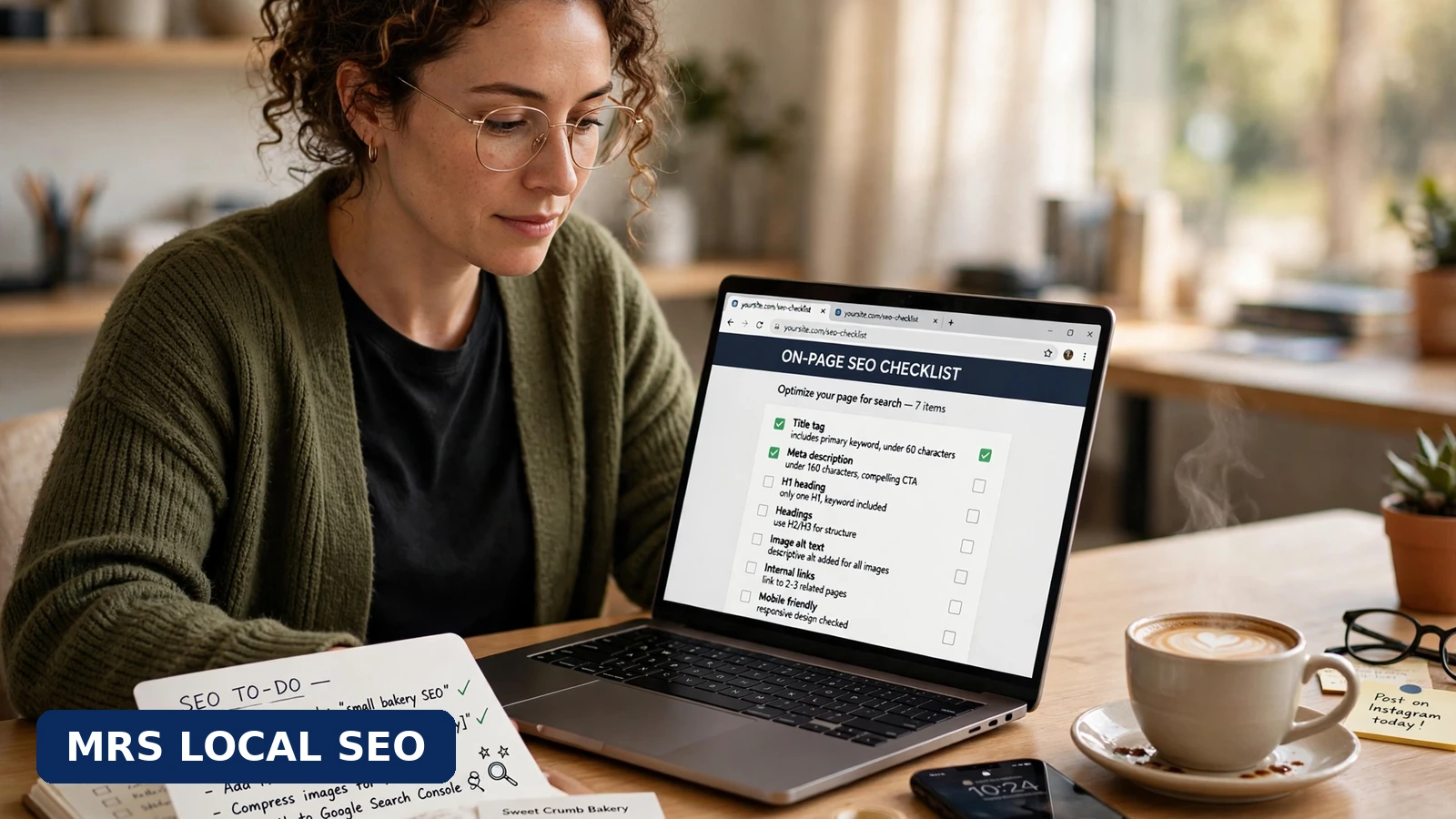
Mistake 1: Title tags and meta descriptions with no local signal
What it looks like: Pages titled "Home" or "Services," or one title shared by every page.
Why it hurts: Google's guidance asks for descriptive, concise, unique titles and warns against vague ones like "Home" (Google Search Central). A title with no service or city tells neither Google nor the searcher that the page matches their query. Google may also rewrite weak titles, and it sometimes uses the meta description as the snippet when that describes the page better (snippet guidance).
How to fix it:
- List every page with its current title and description.
- Give each page one service and one place, brand last: Drain Cleaning in Dayton, OH | Northgate Drain Care.
- Write a unique description naming the service, the area and one reason to call.
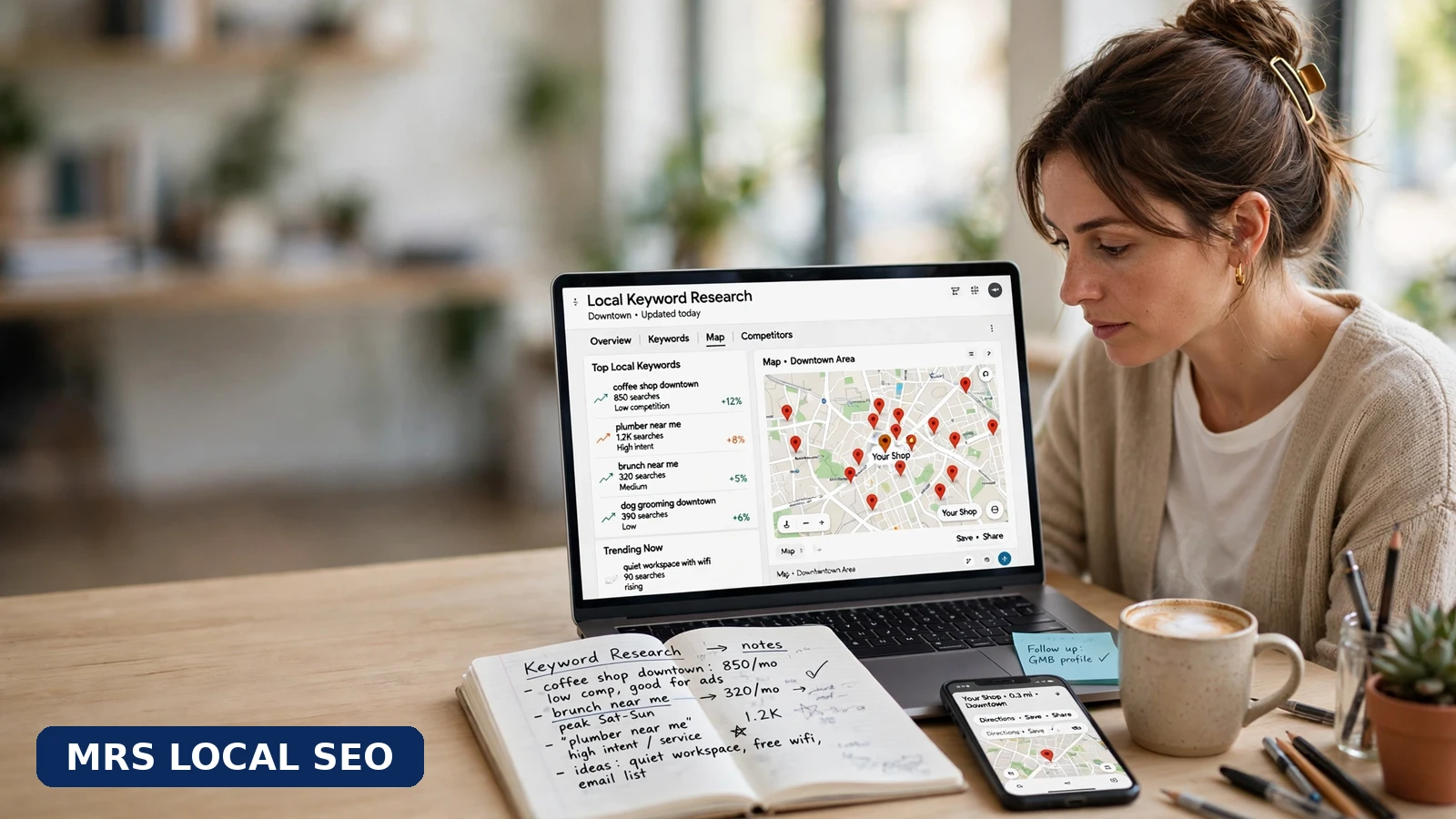
Unsure which wording customers use? Our guide to local keyword research for any city or service shows how to check.
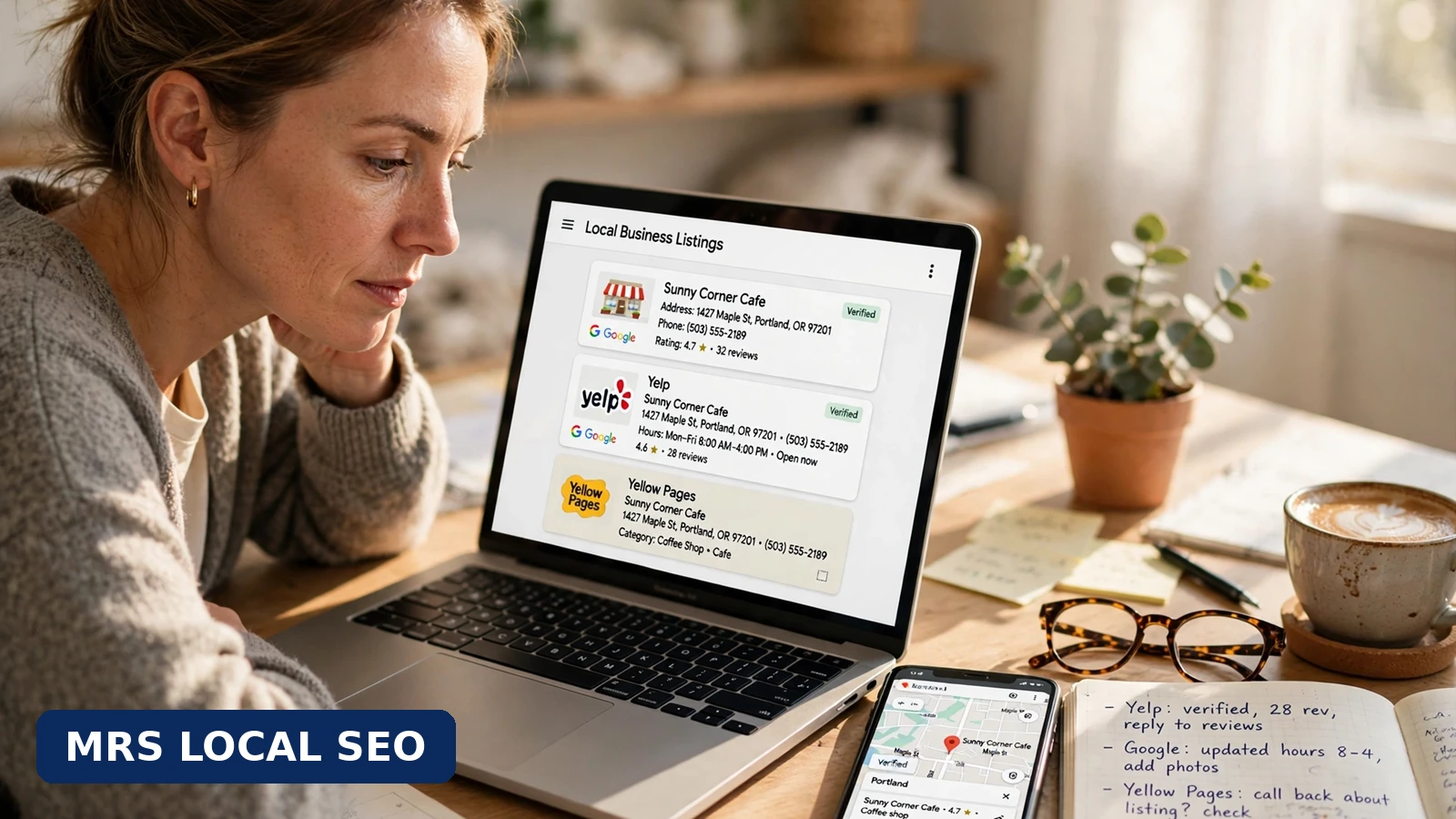
Mistake 2: Missing or inconsistent NAP details
What it looks like: The footer says "Northgate Drains," the Google Business Profile says "Northgate Drain Care," and the contact page lists an old phone number.
Why it hurts: Google's guidelines ask businesses to represent themselves as they appear in the real world and to keep the address or service area accurate (Google Business Profile guidelines). When your site disagrees with your profile, you send conflicting signals about which details are correct. Matching NAP citations exactly across every directory is common industry practice, not a documented Google rule.
How to fix it:
- Choose one official business name, address and phone number.
- Compare it with your profile, then correct the header, footer, contact page and schema.
- Make the phone number tap-to-call.
If you travel to customers and don't serve them at your address, Google says to hide the address and list a service area instead. Virtual offices and mailboxes aren't acceptable unless staffed, so never publish an address you can't operate from. Our guide on how often to update your Google Business Profile helps keep the two in sync.
Mistake 3: Keyword stuffing and thin location pages
What it looks like: "Dayton plumber" repeated until the copy is unreadable, or fifteen city pages identical except for the city name.
Why it hurts: Google's spam policies name keyword stuffing, including blocks of text listing the cities a page wants to rank for, and doorway abuse: pages built to rank for similar queries that are less useful than the final destination (Google spam policies). In our judgement, a location page with honest local detail differs from a cloned page, and the clone adds nothing a reader needs.
How to fix it:
- Write one page per service per place you genuinely serve.
- Add what is true and specific: neighborhoods served, typical jobs, real project photos, local reviews.
- Mention the city where it reads naturally, then read the page aloud.
- If you have nothing specific to say about a town, cover it on one service-area page instead.
Mistake 4: Missing local schema and weak internal linking
What it looks like: No structured data, or markup copied from another site, plus pages that nothing links to.
Why it hurts: Google says LocalBusiness structured data can tell it about details such as business hours (Google structured data documentation). Google also uses links to discover pages and judge relevance, and it wants descriptive anchor text (link best practices). Schema clarifies details; it is not a ranking shortcut, and it guarantees no special display.
How to fix it:
- Add LocalBusiness JSON-LD (or a more specific subtype) using exactly the details visible on the page.
- Validate it with Google's Rich Results Test.
- Link service pages from the homepage and menu, link each to its location and contact pages, and use descriptive anchors instead of "click here."
You can run these checks as part of a local SEO audit, step by step.
Mistake 5: Poor image alt text and slow, hard-to-use mobile pages
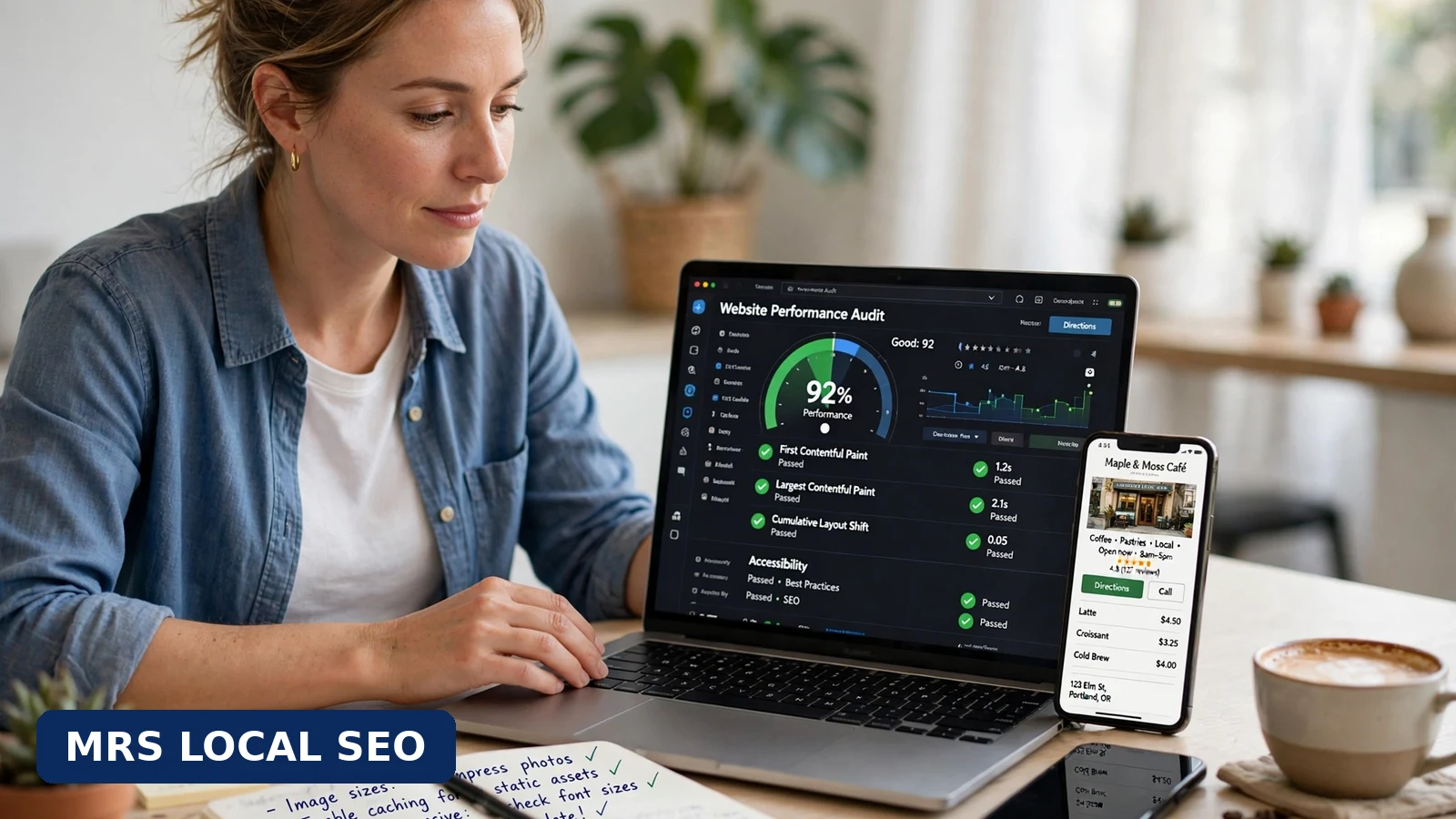
What it looks like: Photos named IMG_2041.jpg with no alt text, or alt text reading "plumber Dayton cheap plumber Dayton." Add 5 MB photos and tiny buttons on a phone, and the page frustrates visitors.
Why it hurts: Google recommends short descriptive filenames and informative alt text, and warns that stuffed alt attributes create a poor experience and may look like spam (Google image guidance). Google also says its core ranking systems look to reward good page experience, including Core Web Vitals and mobile display, though good scores don't guarantee top placement (page experience). Many local searches happen on phones, so in our judgement a slow page can lose the call before rankings matter.
How to fix it:
- Rename files descriptively and write alt text that says what is shown, such as "Technician clearing a kitchen drain."
- Resize and compress photos before uploading.
- Open the page on a real phone and in PageSpeed Insights, then fix the biggest flagged problems first.
Deeper speed and crawl work is a separate technical topic.
The five mistakes at a glance
| Mistake | Why it hurts | Fix |
|---|---|---|
| 1. Generic or duplicate titles | Unclear which query the page matches | Unique service-plus-city title per page |
| 2. Inconsistent NAP | Conflicting business details | One official version everywhere |
| 3. Stuffed or cloned location pages | Low value; spam-policy risk | One useful page per service and place |
| 4. No schema, weak links | Details harder to read; pages isolated | LocalBusiness markup, descriptive internal links |
| 5. Bad alt text, slow mobile pages | Poor relevance and experience | Honest alt text, compressed images, phone testing |
Worked example: one service page, before and after
Hypothetical illustration only. "Northgate Drain Care" is fictional, not a client.
| Page element | Before | After |
|---|---|---|
| Title tag | "Home" | Drain Cleaning in Dayton, OH | Northgate Drain Care |
| Meta description | Copied from the homepage | Names the service, Dayton and a phone prompt |
| NAP | "Northgate Drains," old phone number | Matches the profile exactly |
| Body copy | City name stuffed 20 times | Specific jobs, areas served, real photos |
| Schema | None | Plumber markup matching visible details |
| Images | IMG_2041.jpg, no alt text | clearing-kitchen-drain.jpg, descriptive alt |
| Internal links | Nothing links to the page | Linked from homepage, menu and contact page |
<script type="application/ld+json">
{
  "@context": "https://schema.org",
  "@type": "Plumber",
  "name": "Northgate Drain Care",
  "url": "https://www.example.com/drain-cleaning-dayton/",
  "telephone": "+1-937-555-0142",
  "address": {
    "@type": "PostalAddress",
    "streetAddress": "500 Sample Avenue",
    "addressLocality": "Dayton",
    "addressRegion": "OH",
    "postalCode": "45402",
    "addressCountry": "US"
  }
}
</script>
What can on-page fixes not do, and who should make them?
On-page work makes your relevance clear. It can't replace reviews, a well-run profile or the wider reputation behind prominence; see GBP optimization versus GBP management for that side.
Most fixes are doable yourself if you can edit your site. First-round keyword research for one service in one city often takes a few hours, though that is our judgement, not a benchmark. Consider a specialist if the site is custom-built, you run many locations, or fixes produce no movement. If you want a second opinion on the on page seo mistakes local businesses commonly make, start with titles, NAP and schema; our 10 signs your business needs a local SEO audit can help you decide.
What should you expect and measure?
Nobody can promise a ranking. In our judgement, Google needs days to weeks to recrawl changed pages, and visible movement usually takes weeks to a few months, depending on competition.
- Month 1: Confirm in Google Search Console that the changed pages are indexed.
- Month 2: Watch impressions and clicks for service-plus-city searches.
- Month 3: Compare calls, direction requests and form submissions.
What should you never do?
Don't buy or incentivize reviews: Google's Maps policy requires reviews to reflect genuine experiences and bans incentivized ones (Google Maps policy). Don't add keywords or cities to your business name, since unnecessary extras in the name can lead to suspension. Don't invent a location. Don't trust anyone who guarantees rankings.
Frequently Asked Questions
What are the most common on-page SEO mistakes a local business makes?
Generic titles, inconsistent name-address-phone details, stuffed or cloned location pages, missing schema with weak internal links, and unlabeled or heavy images on slow mobile pages. Each one makes it harder for Google to see what you offer and where.
How long does it take to recover rankings after fixing on-page mistakes?
Usually weeks to a few months, not days, and no one can guarantee a result. Google must recrawl the pages first, and competitors' strength affects how far you move.
Can I fix on-page SEO mistakes myself, or should I hire an expert?
Often you can, if you can edit titles, page copy, images and links. Hire help for custom-built sites, many locations, or when fixes don't move results.
How do on-page SEO mistakes affect my Google ranking?
They weaken the relevance signals your pages send, and spam-style tactics such as keyword stuffing can work against you. Fixing them doesn't guarantee higher rankings, but it removes avoidable obstacles.
Conclusion
On-page mistakes rarely look dramatic, but together they leave Google guessing about what you offer and where. Start with the fastest fixes, titles and NAP, then work through location pages, schema, links and images. This week, pick your most important service page and apply the before-and-after table to it. If local search is new to you, read what local SEO is, then keep the complete local SEO checklist for 2026 close.