
Technical local SEO is the behind-the-scenes work that lets Google find, load, understand and trust a local business's website. It covers seven areas:
- Crawlability — Google can reach and store your pages.
- Indexability — Google can show your pages in search results.
- Site speed — your pages load fast.
- Mobile-friendliness — your site works well on phones.
- Local schema — structured data that tells Google what your business is and where it is.
- Location pages — a page for each area you serve.
- NAP consistency — your name, address and phone number match everywhere.
This 2026 guide explains each in plain language, gives you a health-check table, and walks through a worked example so you can see what "good" looks like.
What Is Technical Local SEO?
Technical local SEO is the set of website fixes that help Google crawl, index, load and understand a local business site. It is the foundation under everything else you do in local search.
Think of it like the wiring in a shop. Customers never see it, but if it is faulty, the lights flicker, the till stops working and people leave. In the same way, if Google cannot crawl your site, or your pages load slowly on a phone, your Google Business Profile and your reviews cannot make up for it.
Technical SEO vs Local SEO: What's the Difference?
| Area | Technical SEO | Local SEO |
|---|---|---|
| Focus | How the site works | Where the business serves |
| Examples | Speed, crawlability, schema | Google Business Profile, reviews, citations |
| Goal | Help Google access and understand the site | Help Google show the business to nearby searchers |
You need both. Technical SEO makes the site work. Local SEO tells Google who the business serves and where.
The 7 Pillars of Technical Local SEO
1. Crawlability: Can Google Reach Your Pages?
Crawlability means Googlebot can visit and read your pages. If it cannot reach a page, that page cannot rank.
Common problems include:
- Blocked pages in robots.txt — the file that tells Google which pages it may visit.
- Orphan pages — pages with no internal links pointing to them, so Google never finds them.
- Broken links — links that lead to pages that no longer exist (404 errors).
How to check: Open Google Search Console, go to "Pages", and look for pages marked "Not indexed" or "Crawled — currently not indexed". Fix the cause before you do anything else.
2. Indexability: Will Google Show Your Pages?
Indexability means Google has stored a page and can show it in results. A page can be crawlable but still not indexed — for example, if it has a "noindex" tag, or if Google decides it adds nothing new.
How to check: In Google Search Console, use the URL Inspection tool on a key page. It tells you whether the page is indexed and, if not, why.
3. Site Speed: Does Your Site Load Fast Enough?
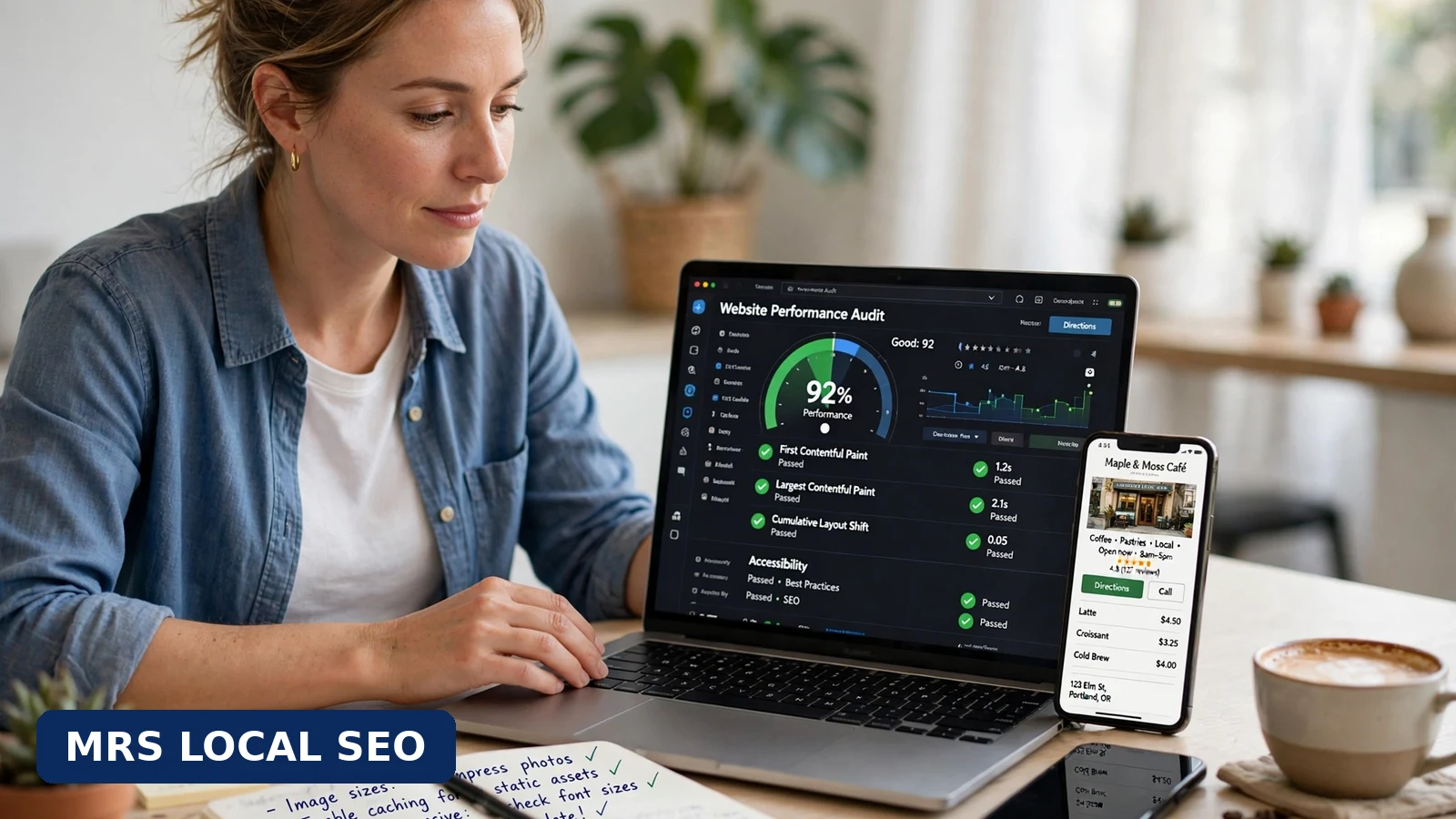
Speed matters because most local searches happen on phones, often on a slow connection. Google also uses page speed as a ranking factor, and its Core Web Vitals scores measure how fast a page loads, how quickly it becomes usable and how stable it looks while loading.
A slow site loses visitors before they ever see your services.
How to check: Run your homepage through Google PageSpeed Insights. Aim for the Core Web Vitals "Good" thresholds — a Largest Contentful Paint under 2.5 seconds, an Interaction to Next Paint under 200 milliseconds and a Cumulative Layout Shift under 0.1.
4. Mobile-Friendliness: Does Your Site Work on Phones?
Most "near me" searches happen on a phone. If buttons are too small, text is hard to read or the phone number is not tappable, visitors leave — and Google notices.
How to check: Open your site on your own phone and try to complete the main task: find a service, tap the phone number, submit the contact form. If any step is awkward, fix it.
5. Local Schema: Structured Data That Tells Google Who You Are
Schema markup is code on your site that labels facts for Google — your business name, address, phone number, opening hours and services — in a format it can read directly.
For local businesses, the most useful types are `LocalBusiness` (or a more specific type such as `Dentist` or `Plumber`), `Organization` and `FAQPage`.
How to check: Paste your homepage URL into Google's Rich Results Test. It shows whether your schema is valid and which rich results it can produce.
6. Location Pages: One Page Per Area You Serve
If you serve more than one town, each area deserves its own page. A single "Areas We Serve" page with a list of town names rarely ranks. A dedicated page can cover the services you offer there, local landmarks and customer stories from that area.
How to check: Search Google for "[your service] in [town]" for each area you serve. If your location page does not appear in the first few results, it needs more useful, specific content.
7. NAP Consistency: Same Name, Address and Phone Everywhere
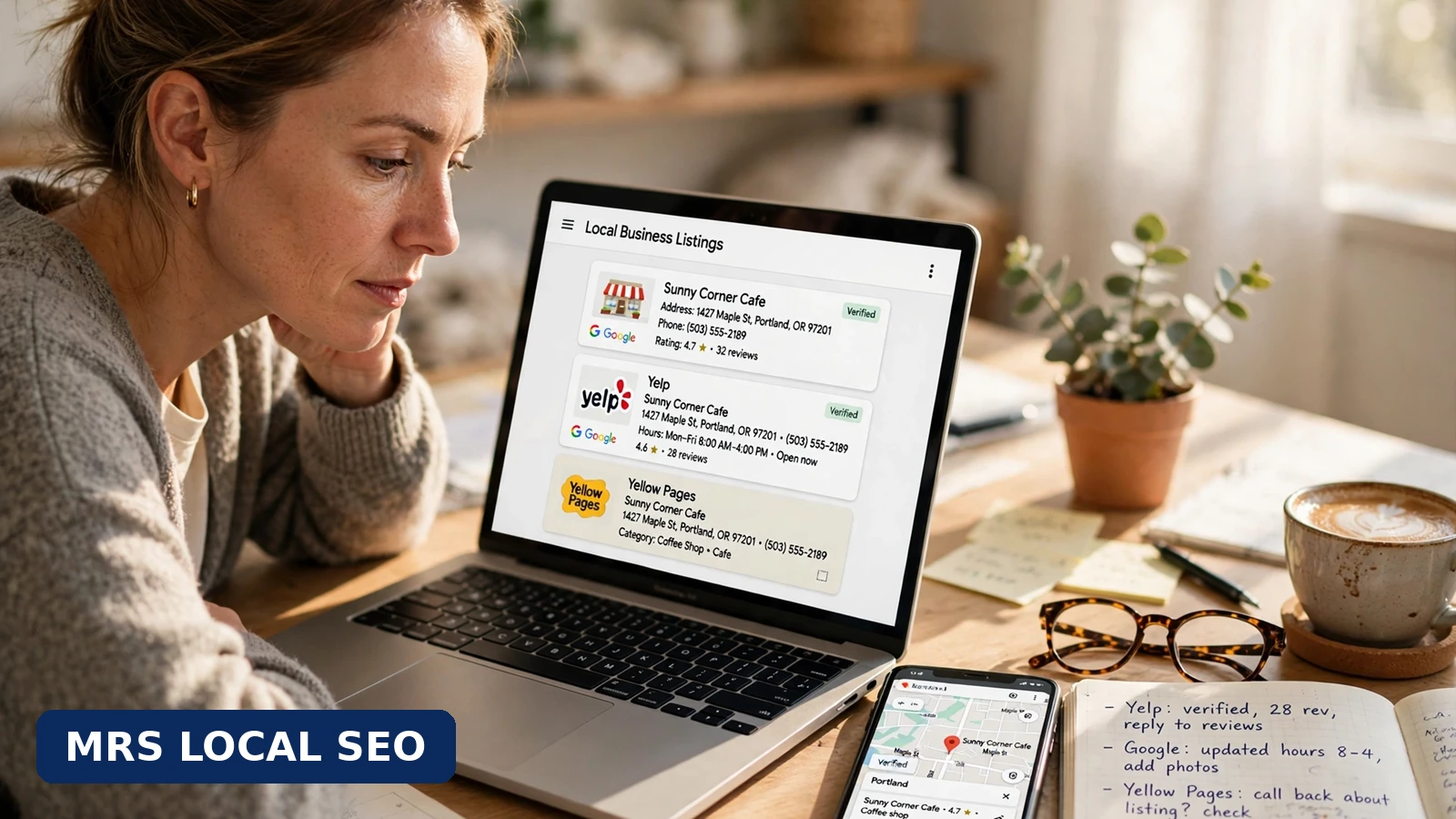
NAP stands for Name, Address and Phone number. Google compares the NAP on your website with the NAP on your Google Business Profile, directories and other sites. If they disagree — different spellings, an old phone number, a suite number written two ways — Google trusts your details less, and customers may ring the wrong number.
How to check: Pick your five most important listings (Google Business Profile, Yelp, Facebook, Bing Places and your main directory) and compare each one against your website footer. Fix any mismatch, then work through the rest.
How to Check Your Technical Local SEO: 5-Step Health Check
Run this check once a quarter, or whenever you change your site.
| Step | What to Check | Tool | Pass Mark |
|---|---|---|---|
| 1 | Google can crawl your key pages | Google Search Console → Pages | No important page blocked or "not indexed" |
| 2 | Your pages load fast | PageSpeed Insights | Core Web Vitals "Good" on mobile |
| 3 | Your site works on a phone | Your own phone | Every button and form is easy to use |
| 4 | Your schema is valid | Rich Results Test | No errors on your homepage |
| 5 | Your NAP matches everywhere | Manual check of 5 listings | Identical name, address and phone on all five |
If a step fails, fix it before you move on to content or link building. A fast, crawlable, consistent site makes everything else work better. For the full process, see our step-by-step guide to doing a local SEO audit.
Worked Example: A Plumber in Denver
Green Valley Plumbing — a fictional Denver plumber used here as an illustration — serves Denver and two nearby suburbs. Its website had three problems: the services page was not in Google's index, the homepage took 6 seconds to load on a phone, and the phone number on Yelp was an old one.
The fixes took a week:
- Indexing: The services page had a stray "noindex" tag from a site redesign. Removing it got the page indexed within days.
- Speed: Compressing the hero image and removing an unused chat widget cut the load time from 6 seconds to 2.1 seconds.
- NAP: Updating the Yelp listing to match the website and Google Business Profile removed the inconsistency.
In this fictional example, those three fixes are what let the business start showing up in the local pack for searches like "plumber in Denver" — the content was already there; it simply could not be found, loaded or trusted before.
The lesson is simple: none of these fixes was about writing more content or buying links. They were technical fixes, and they unlocked the rankings the content deserved.
Common Technical Local SEO Mistakes to Avoid
- Blocking pages in robots.txt by accident after a redesign.
- Having no location pages and hoping one generic page ranks everywhere.
- Using different phone numbers on your website, Google Business Profile and directories.
- Ignoring mobile speed because the site looks fine on a desktop.
- Adding schema once and never checking it after site changes break it.
Frequently Asked Questions
What is technical local SEO in simple terms?
Technical local SEO is the behind-the-scenes work that helps Google find, load and understand a local business website — things like crawlability, speed, mobile-friendliness, schema and consistent contact details.
How is technical SEO different from local SEO?
Technical SEO is about how the website works. Local SEO is about where the business serves and how it appears in local results. Technical local SEO combines the two: it makes the site work well and tells Google where the business operates.
How long does technical local SEO take to show results?
Small fixes, such as removing a "noindex" tag or correcting a phone number, can show results in days. Bigger work, such as improving speed or building location pages, usually takes four to eight weeks to move rankings.
Do I need a developer for technical local SEO?
Some checks — running PageSpeed Insights or comparing your NAP — need no coding at all. Fixing robots.txt, schema or speed problems may need a developer, but a good SEO can usually tell you exactly what to ask for.
Is technical local SEO still important in 2026?
Yes. AI Overviews and voice search rely on the same foundations: Google must be able to crawl, understand and trust your site before it can recommend it. The tools change, but the technical basics do not.
The Bottom Line
Technical local SEO is not glamorous, but it is what makes everything else work. If Google cannot crawl your site, cannot load it quickly on a phone, or cannot trust your contact details, your content and reviews will underperform.
Work through the seven pillars, run the five-step health check, and fix the basics first. Your rankings — and your customers — will thank you for it.
Sources
- Google Search Central, "SEO Starter Guide"
- Google Search Central, "Local Business structured data"
- Google Search Central, "Core Web Vitals"
- Google Search Console Help, "Page indexing report"
- Moz, "Local SEO: The Definitive Guide"
- BrightLocal, "Local SEO guide"
- Whitespark, "Local Search Ranking Factors 2025"
- Search Engine Journal, "Technical SEO Guide"